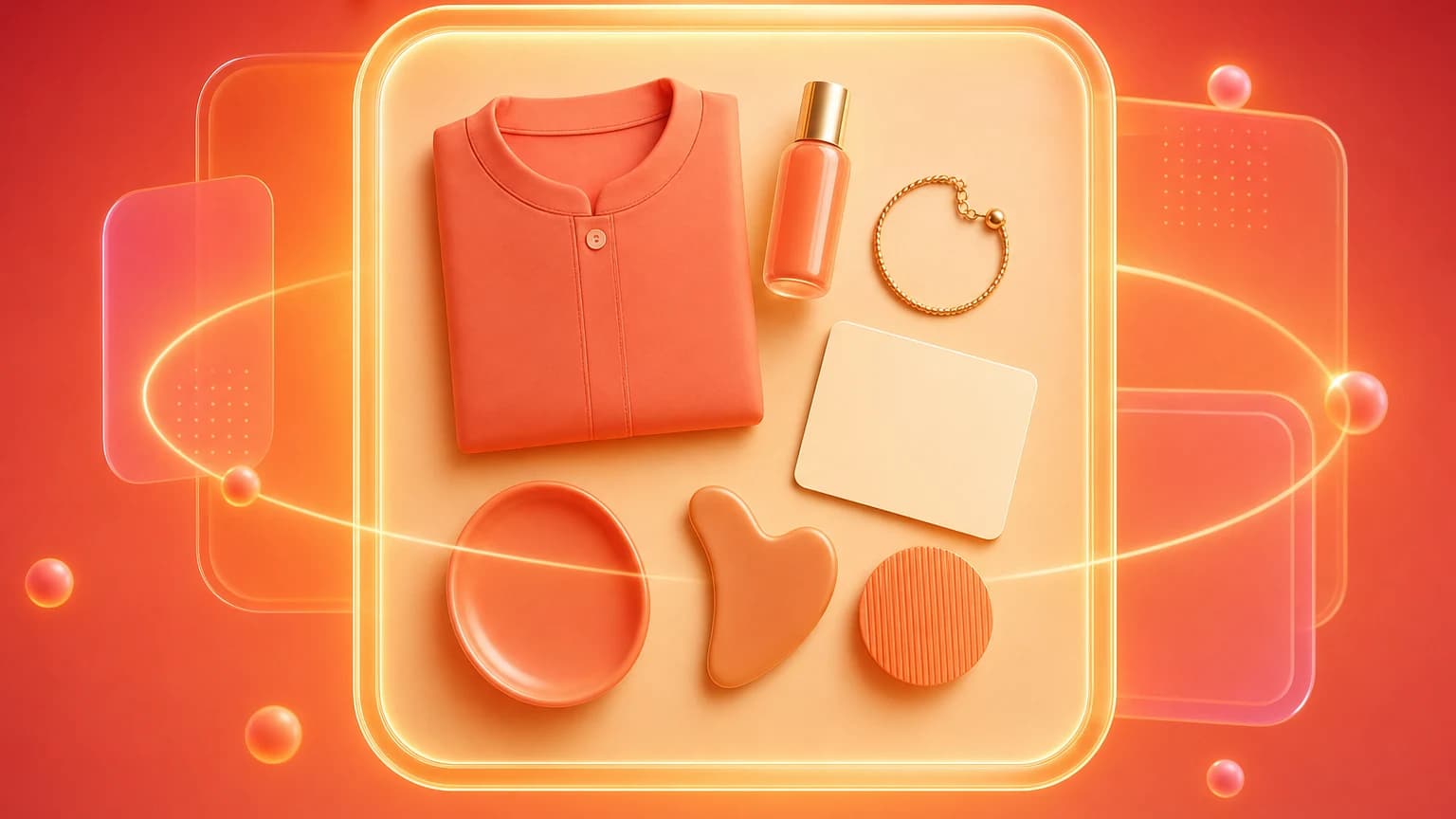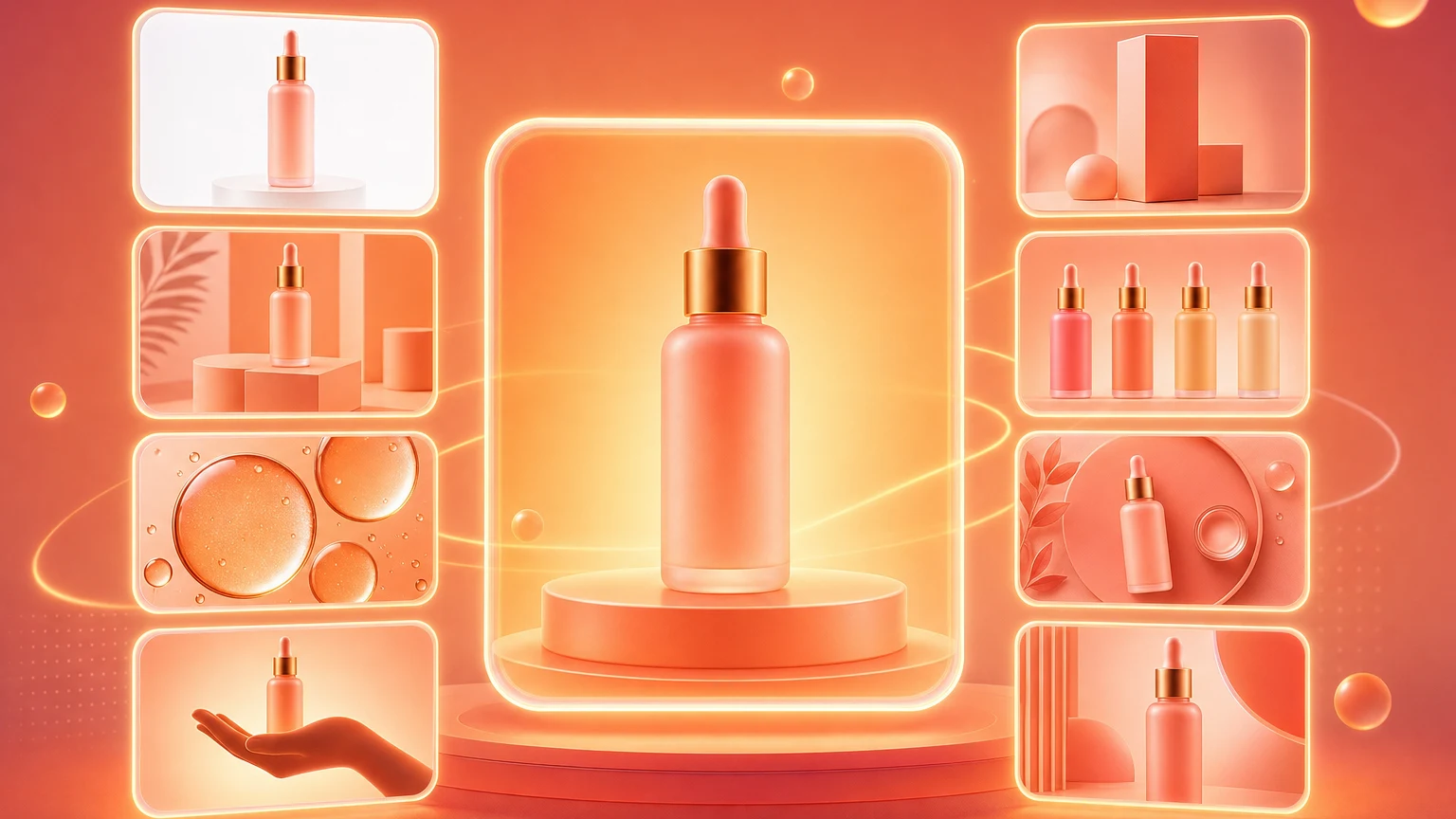
Product photography examples are useful when they help sellers choose the next image to create. They are less useful when they become a mood board with no connection to buyer questions. A good ecommerce product image example should have a job: identify the product, show context, prove quality, explain scale, compare variants, show what arrives, or create an ad-worthy hook.
This guide organizes product photography examples by role and category so sellers can build a complete image set instead of copying random visual styles. Use it as a planning checklist for Shopify, Amazon, Etsy, eBay, ads, email, and social campaigns.
The reason examples matter is that many sellers underbuild their image stack. They shoot one clean hero, one lifestyle photo, and maybe a detail crop, then wonder why buyers still ask basic questions. A better image set behaves like a visual FAQ. It answers what the product is, how big it is, what it feels like, where it belongs, what comes in the package, and why it is different from alternatives.
Quick answer
The most useful ecommerce product photography examples are main images, lifestyle images, detail crops, scale images, package contents, comparison images, feature callouts, bundle images, variant images, and ad crops. Every SKU does not need all 30 ideas, but most products need at least five roles.
How to use examples
Top-ranking product photography examples pages often show attractive photos by category, but sellers need a decision system. Start with buyer objections. What does the shopper not know yet? Size, material, use case, quality, fit, contents, compatibility, or styling? Choose examples that answer those questions.
Do not copy a visual style only because it looks premium. A dramatic product image may be wrong for a marketplace main image. A clean white shot may be wrong for an ad. The image role matters more than the aesthetic.
Before choosing examples, read reviews and support messages. If buyers mention smaller than expected, create scale and dimension images. If they mention color, create neutral-light catalog and comparison images. If they ask whether accessories are included, create a package contents image. If they do not understand use, create a sequence or lifestyle image. Examples become powerful when they are tied to actual customer uncertainty.
Also consider where the image will appear. Amazon main images require clarity and compliance. Shopify product pages can support richer lifestyle images. Etsy shoppers may value handmade process and material detail. Paid social needs stronger hooks and negative space. Email images need to work beside copy. A good example for one channel can be a weak example for another.
Core examples
- White-background main image.
- Three-quarter product angle.
- Lifestyle image in a real use context.
- Detail macro for texture or material.
- Scale image with hand, model, room, or object.
- Dimension callout image.
- Package contents image.
- Before-and-after image.
- Comparison or variant image.
- Ad crop with negative space.
These core examples work across categories because they map to common buyer questions. What is it? What does it look like? Where does it fit? How big is it? What is included? Why is it different? What should I choose?
Add a hero detail image when quality is a selling point. This can be stitching, wood grain, metal finish, fabric weave, nozzle design, clasp, texture, or printed label quality. Add a process image when manufacturing or handmade craft matters. Add a use sequence when the product has steps. Add a compatibility image when the product fits another object, device, size, or system.
For higher-consideration products, create objection-specific examples. A luggage brand may need wheel detail, handle extension, interior capacity, carry-on scale, and overhead-bin context. A supplement brand may need package front, supplement facts panel, capsule scale, bottle size, and routine scene, while avoiding unsupported health claims. A furniture brand may need room scale, material close-up, assembly detail, dimension callout, and style variants.
Category examples
Beauty products can use white hero images, bathroom counter lifestyle scenes, texture smears, ingredient context, routine flat lays, and premium detail crops. Jewelry can use clean catalog images, model-wearing shots, clasp details, gemstone close-ups, gift packaging, and scale-on-body images. Food products can use package shots, serving scenes, texture close-ups, ingredient layouts, pantry context, and seasonal ad images.
Apparel can use flat lay, on-model, ghost mannequin, fabric detail, fit reference, back view, and styled outfit images. Home goods can use room context, scale images, detail materials, package contents, and before-and-after use cases. Electronics can use clean front shots, port close-ups, hand scale, desk scenes, feature callouts, and compatibility layouts.
For pet products, useful examples include the product alone, pet-in-context image, size reference, cleaning or storage image, material detail, and package contents. For baby products, show safety-relevant details, scale, cleaning, assembly, and use context without overclaiming. For outdoor products, show weather context, packed size, material detail, setup sequence, and human scale. For handmade products, show material, process, packaging, and real use.
Each category also has images to avoid. Beauty should avoid ingredient props that are not in the formula. Food should avoid serving scenes that misrepresent quantity. Apparel should avoid poses that hide fit. Electronics should avoid fake screens, ports, or compatibility claims. Home goods should avoid rooms that distort scale. Strong examples are not just attractive; they are truthful.
AI workflow
AI makes it faster to turn examples into production. Start with a source product image, then generate specific roles: white main, lifestyle, detail, scale, ad crop, and seasonal variation. The prompt should describe the image role, scene, surface, lighting, camera angle, and restrictions.
Shelfgen helps sellers move from idea to asset by generating image roles around the same product. The goal is not to make every product look like the same template. It is to produce a complete set of images that answer buyer questions consistently.
Turn examples into reusable prompts. Main image prompt: clean centered product on pure white or neutral background, realistic shadow, no props, no text, preserve label and shape. Lifestyle prompt: product in a realistic use environment, product clearly visible, category-appropriate surface, no extra accessories unless specified. Detail prompt: close crop of material or feature, preserve product texture, shallow depth of field, accurate color. Ad prompt: product with negative space, campaign background, channel crop, no invented claims.
Use AI to create variants, then select by purpose. You may generate five background options for the same product, but only one should become the marketplace secondary image. Another may work for Instagram. Another may work for an email header. Do not publish every generated image just because it exists. The image has to earn its place in the stack.
For teams, build a shot list before generating. Start with required images, then optional images, then campaign images. Assign each image a buyer question. This prevents bloated galleries and helps reviewers approve or reject images based on usefulness rather than taste.
Mistakes
The first mistake is copying examples without asking what buyer question they answer. The second is using one image role everywhere. The third is over-styling when the product needs clarity. The fourth is skipping scale and detail images because they seem less glamorous. Those unglamorous images often prevent returns.
Another mistake is mixing examples from different price positions. A luxury editorial image style can make a budget product feel misleading. A plain utility image style can make a premium product feel underbuilt. Match examples to price, category, and buyer expectation. If your product is practical, clarity may beat drama. If your product is giftable, packaging and emotional context may matter more.
Finally, review examples after launch. Image planning is not finished when the product page goes live. Watch which images shoppers click, which images appear in ad winners, which questions still appear in support, and which return reasons persist. Replace weak examples with more useful ones. Product photography is a conversion system, not a one-time creative task.
For a practical starting point, choose five examples for every important SKU: clean main image, lifestyle use image, detail or material image, scale image, and package contents or comparison image. Then add category-specific examples where needed. This keeps the image set complete without becoming random.
Document the winning examples in a brand shot list. Include the image role, crop ratio, background, lighting, prop rules, and review checks. When the next SKU launches, the team can reproduce the same quality instead of rebuilding the visual strategy from memory.
Checklist
- Choose examples by image role.
- Create at least five image roles for important SKUs.
- Use category-specific context without misleading buyers.
- Include detail and scale images, not only hero shots.
- Export separate crops for product pages, marketplaces, ads, and social.
- Use AI to generate role-based variants from the same source product.
- Review every example against product truth before publishing.
The best product photography examples are not pretty references. They are answers to buyer objections.
Sources reviewed include ecommerce product photography examples pages, product image type guides, seller discussions about professional product photos, and AI product photo tools focused on generating multiple product image roles.
Use Shelfgen to create main, lifestyle, detail, scale, and ad-ready examples from one source image.
See the full Amazon image pack: main image, secondary slots, A+ hero, dimensions, and compliance checks.
Review the rule-by-rule checklist before submitting main and secondary images.
Use this help article when a main image needs a fast compliance repair.