PDPs that actually convert.
Shelfgen generates the full image stack a great Shopify PDP needs — gallery, lifestyle banners, feature blocks, mobile-safe crops — sized for Dawn and every popular theme. Brand-consistent across your whole catalog.
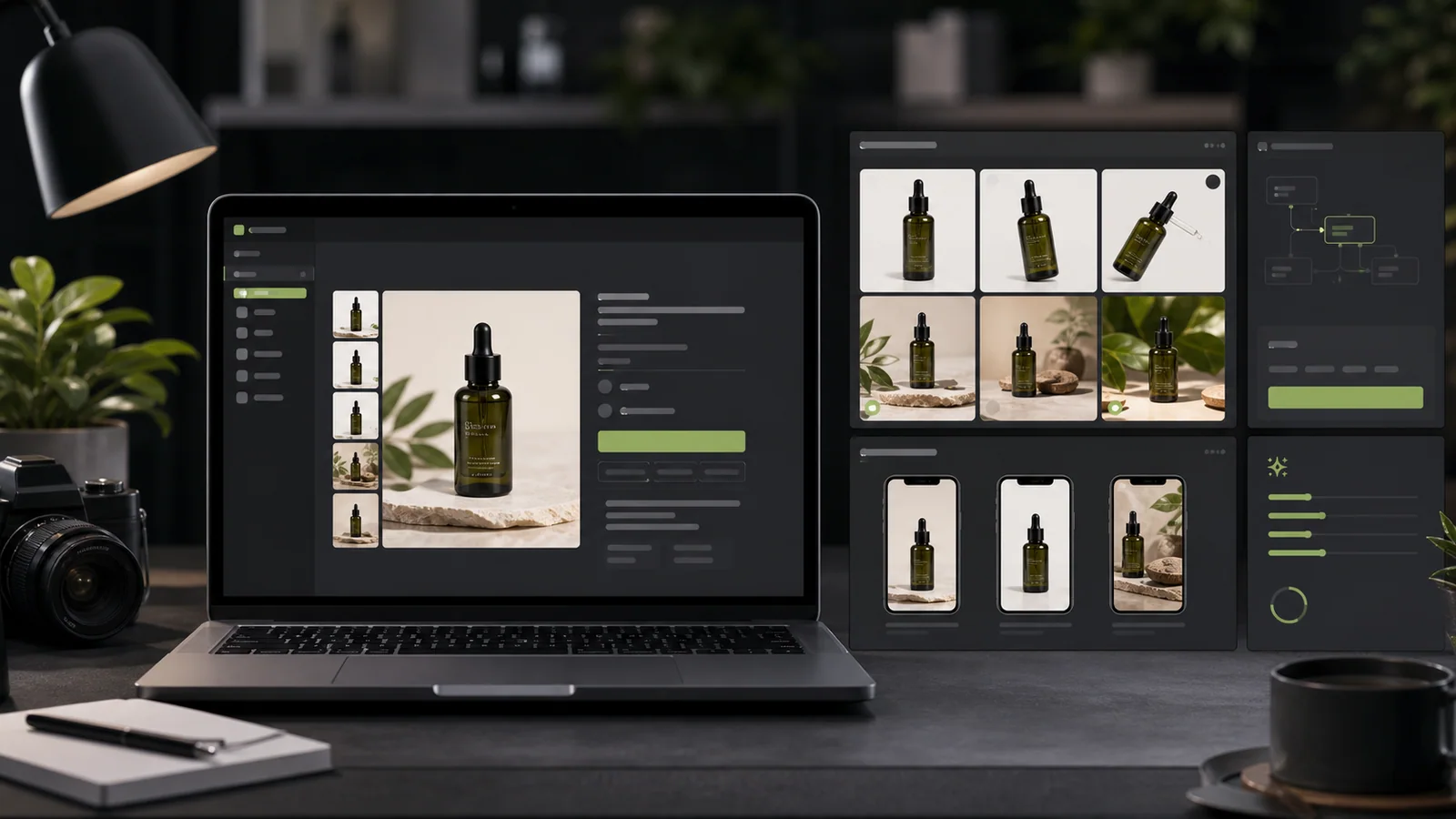
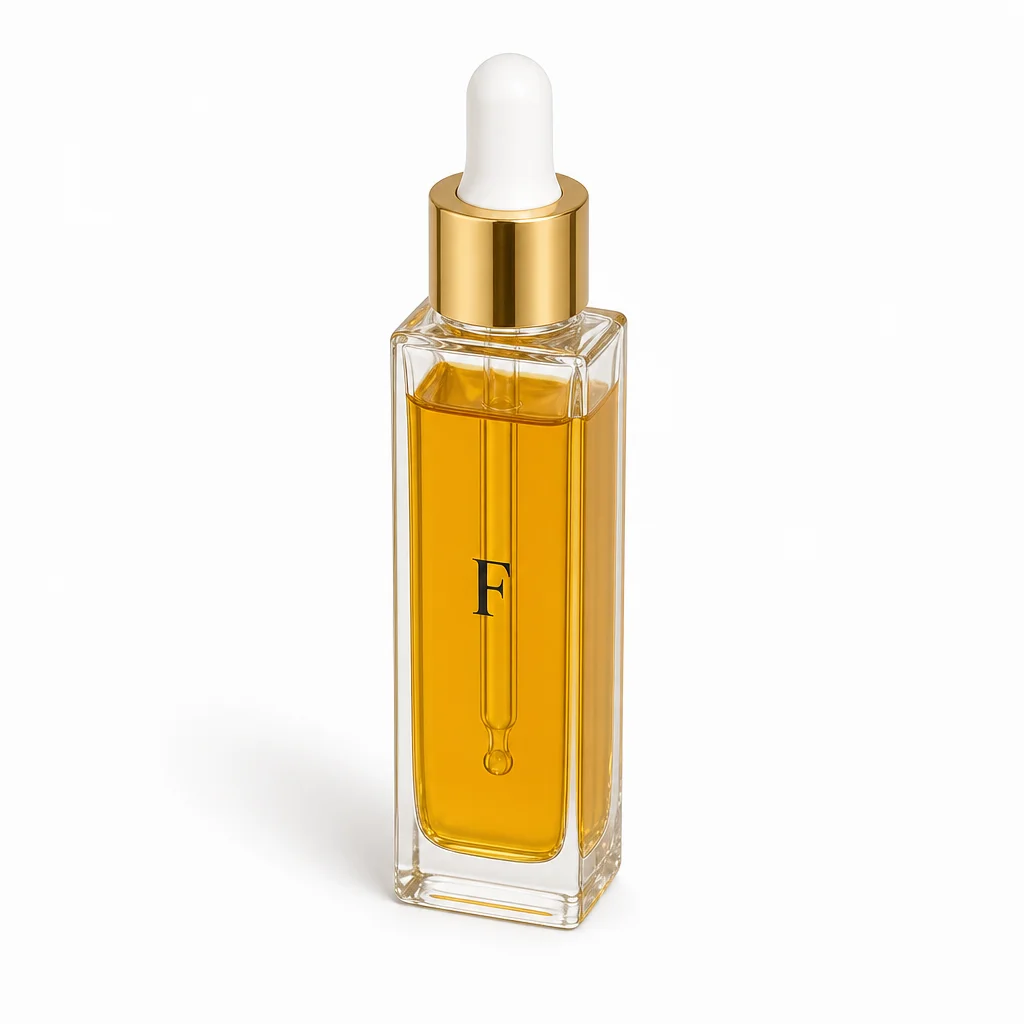
A Shopify PDP workflow visual made for this page, then converted to WebP for fast page delivery.
Works with the themes
you actually use.
Different themes crop and scale your images differently. Shelfgen detects your theme and outputs images sized for its grid — no mid-relaunch crop surprises.
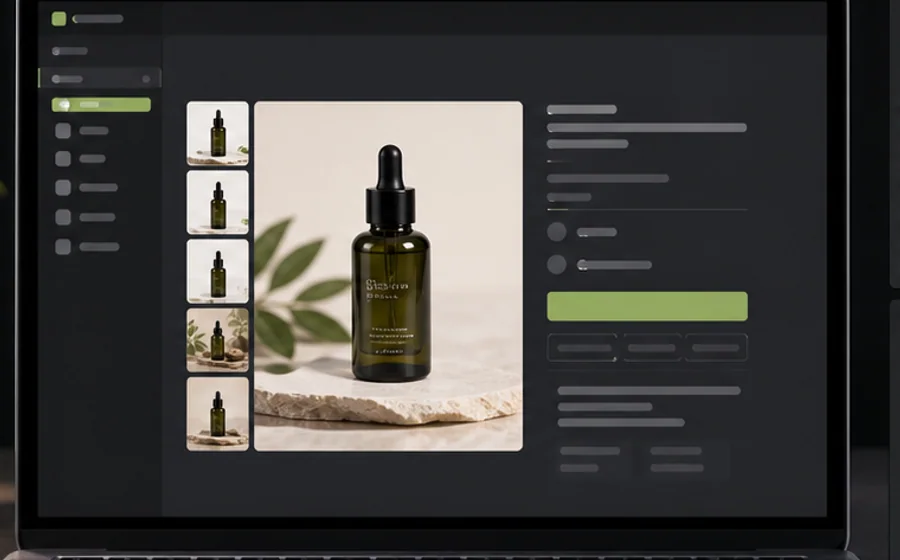 DEFAULT
Dawn
1:1 PDP · 4:5 collection
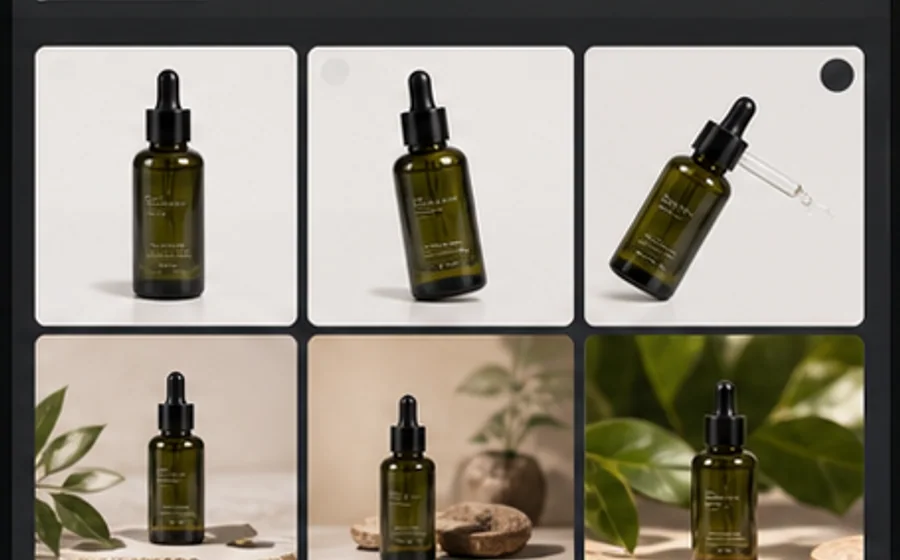 POPULAR
Impulse
1:1 + 16:9 banners
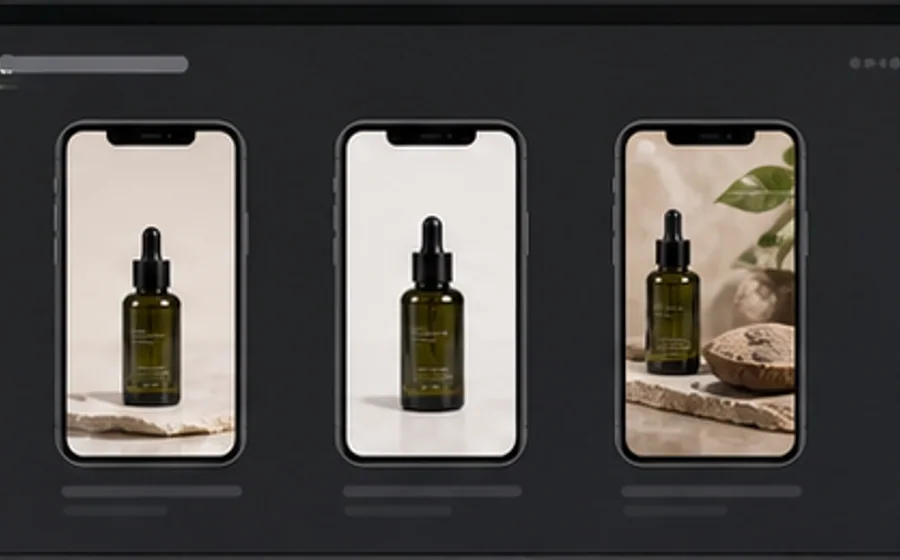 EDITORIAL
Editions
3:4 portrait gallery
 PREMIUM
Prestige
Mixed aspect ratios
One source. Every aspect ratio
your store needs.
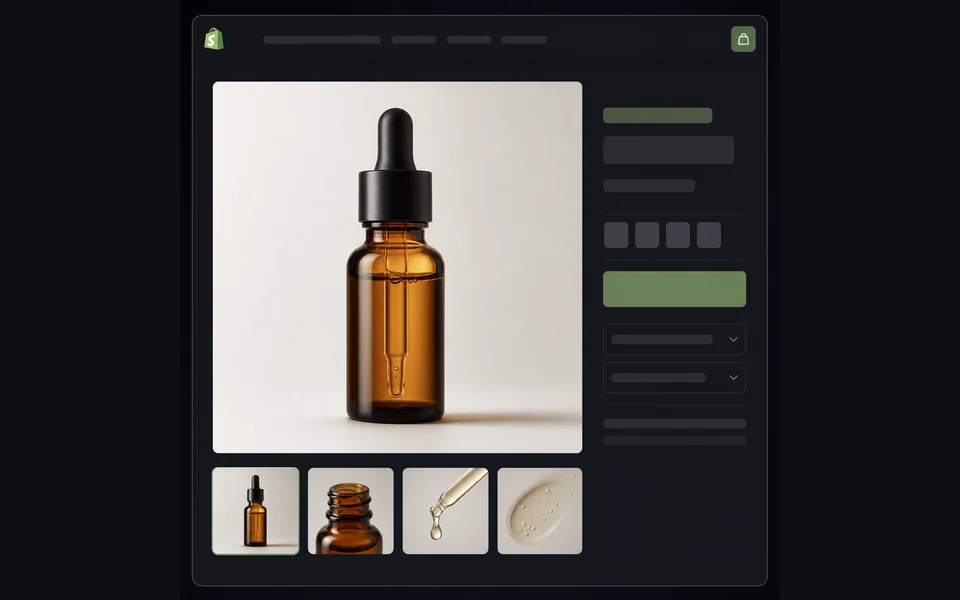
PDP square
Main product image and gallery thumbs.
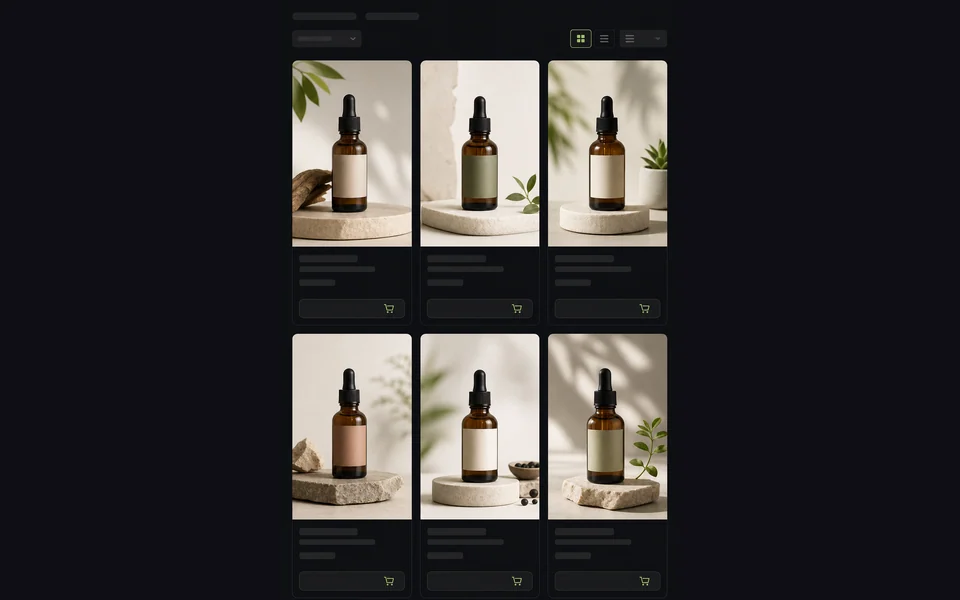
Collection grid
Vertical card thumbnails on listing pages.

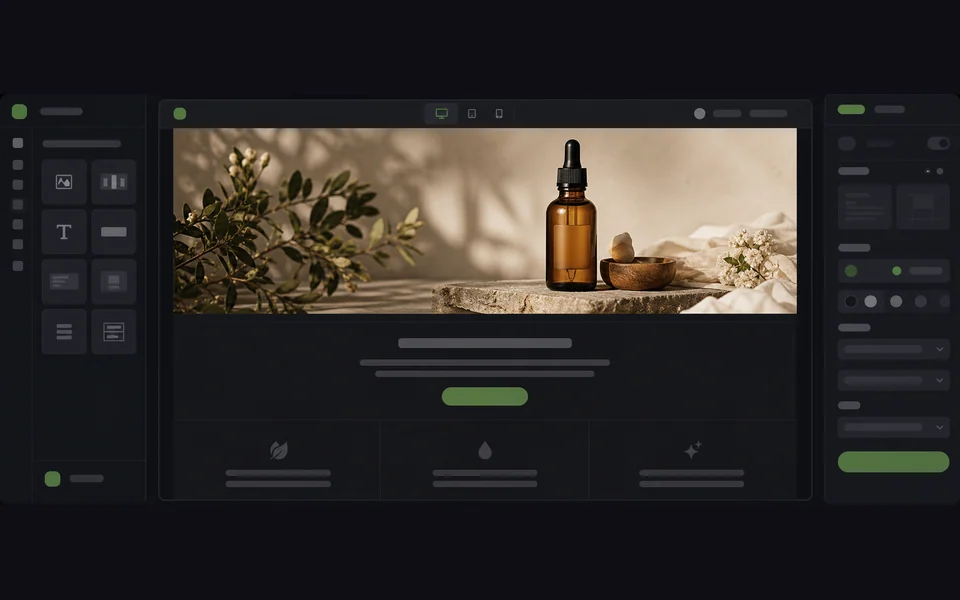
Lifestyle banner
Hero banner and feature blocks below PDP.
Marketing email
Header image for Klaviyo / Mailchimp drops.
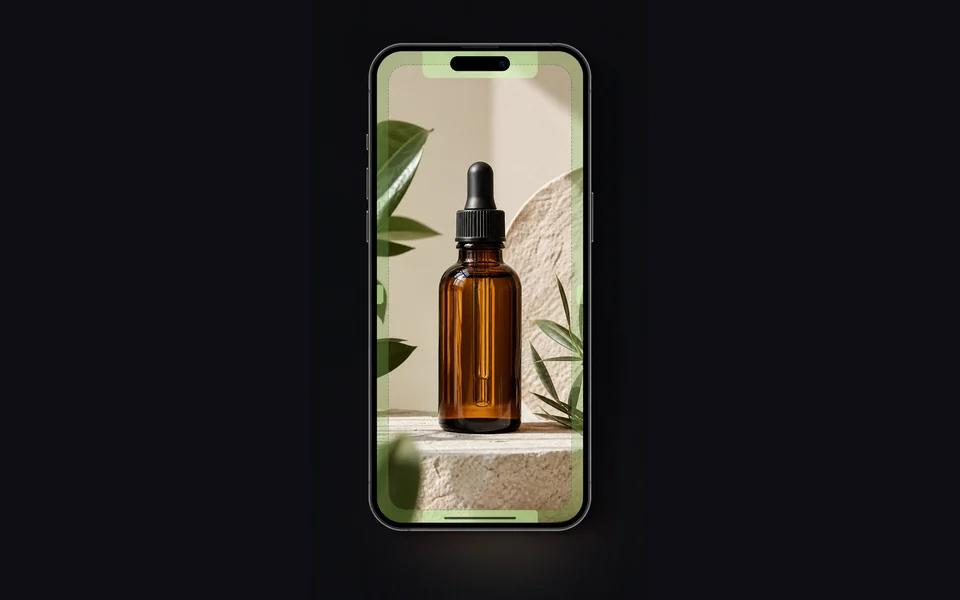
Mobile story
Instagram Story and Shopify mobile hero.

Blog feature
Article headers and journal posts.
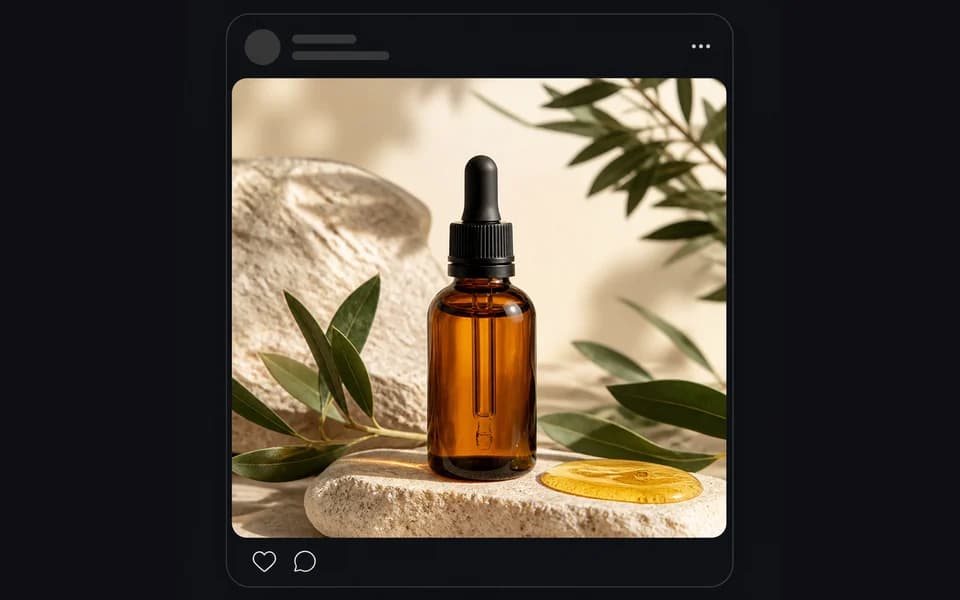
Social square
Instagram & Facebook feed posts.
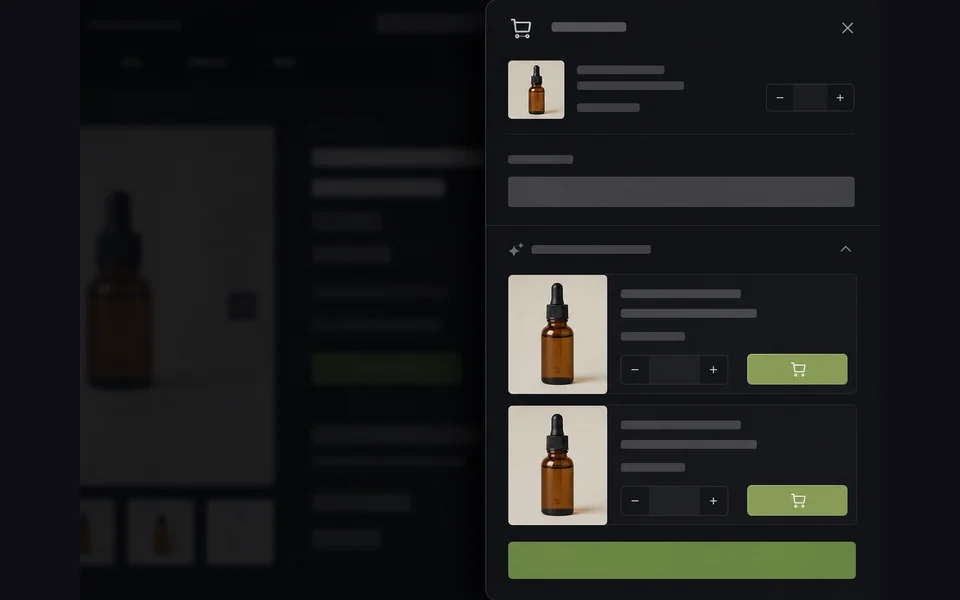
Cart upsell
Recommended product cards in cart drawer.
Build the image set
around the buying path.
A Shopify product page needs more than one good hero image. It needs a sequence: clear product view, alternate angle, detail proof, lifestyle context, collection crop, and promotional crop.
PDP gallery first
Every Shopify export starts with the images that carry the product page: a clean square main, alternate angle, detail crop, lifestyle scene, and scale image. That gives the buyer enough context before they reach reviews or FAQs.
Theme-safe crops
Shelfgen keeps the product inside safe margins for collection cards, mobile hero sections, cart drawers, and promotional blocks. You can publish the same product across Dawn, Impulse, Editions, Prestige, and custom layouts without guessing where the crop will land.
Catalog consistency
Brand kits keep background families, shadow depth, angle, and file naming consistent across a launch. That matters when buyers compare several products in a collection grid or when your team refreshes seasonal imagery in batches.
Check every crop before it reaches the storefront.
Shopify gives you freedom, which also means a weak image can slip into several placements at once. Use Shelfgen to generate every required ratio, then review the set like a merchandiser before you publish.
Square PDP image keeps the product centered with enough white space for zoom.
Collection crop still shows the full product on mobile grid cards.
Lifestyle banner leaves clean negative space for theme text overlays.
Detail crop proves texture, material, packaging, label, or feature accuracy.
File names identify SKU, role, ratio, and storefront destination.
Image weight is compressed enough for fast collection and PDP loading.
Keep the workflow
connected.
These guides give Shopify visitors a clearer path from SEO content to the product workflow, and they add stronger internal links into the help center.
Shopify product image size guide
Plan square PDP images, portrait collection crops, widescreen banners, and social exports.
Shopify product page images
Use the help article when you are ready to export and place images inside Shopify admin.
Shopify crops and social ratios
Check how to keep the product safe across mobile, collection grids, social posts, and banners.
Sync your catalog.
Generate. Publish.
Install Shelfgen from the Shopify App Store. Your products sync automatically — generate a full set for any product and push it back to your store with one click. No manual upload, no SFTP, no copy-paste.

Your storefront,
upgraded by afternoon.
5 free AI credits, no card. Cancel anytime.
Start free for Shopify →