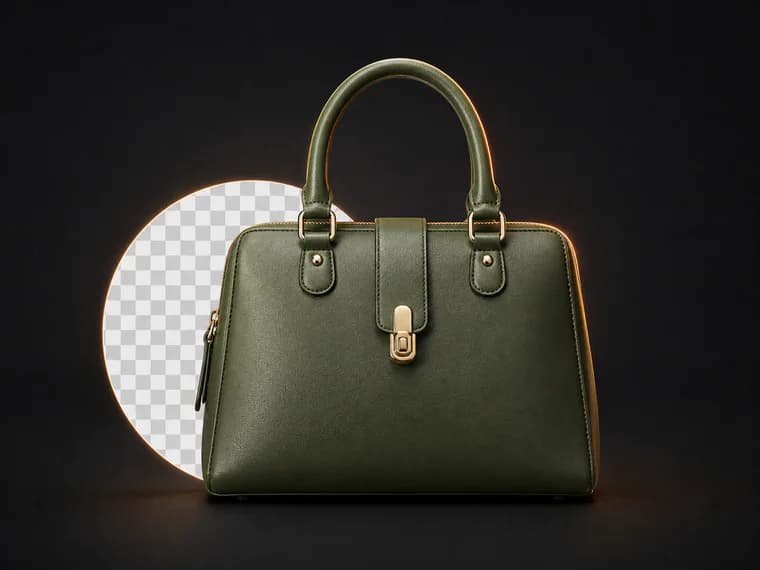
AI ecommerce image editor
AI Product Photo Editor
for Ecommerce Sellers
Remove backgrounds, change product photo backgrounds, create Amazon listing images, lifestyle shots, infographics, and batch-ready marketplace images from one upload.
5.0 average rating
Trusted by 12,400+ sellers
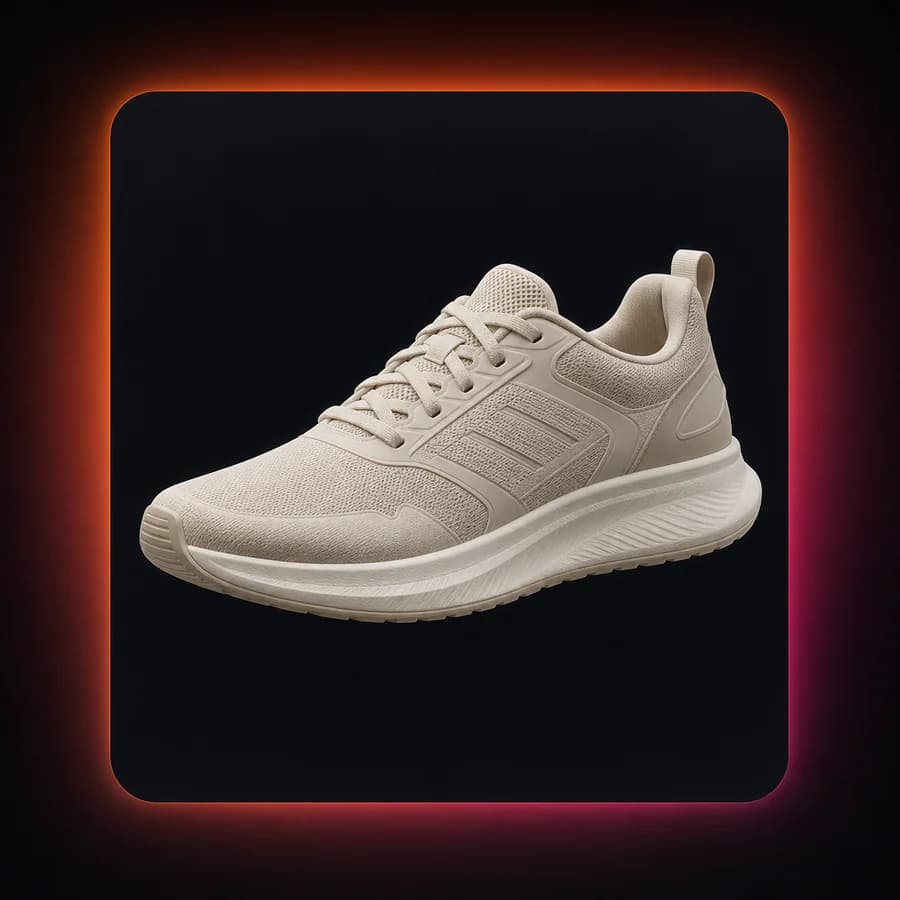
BACKGROUND
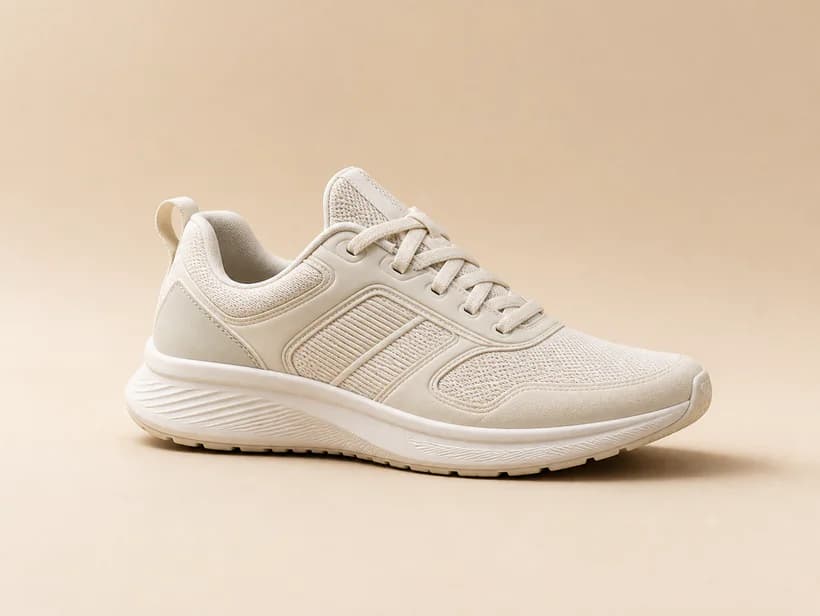
MAIN
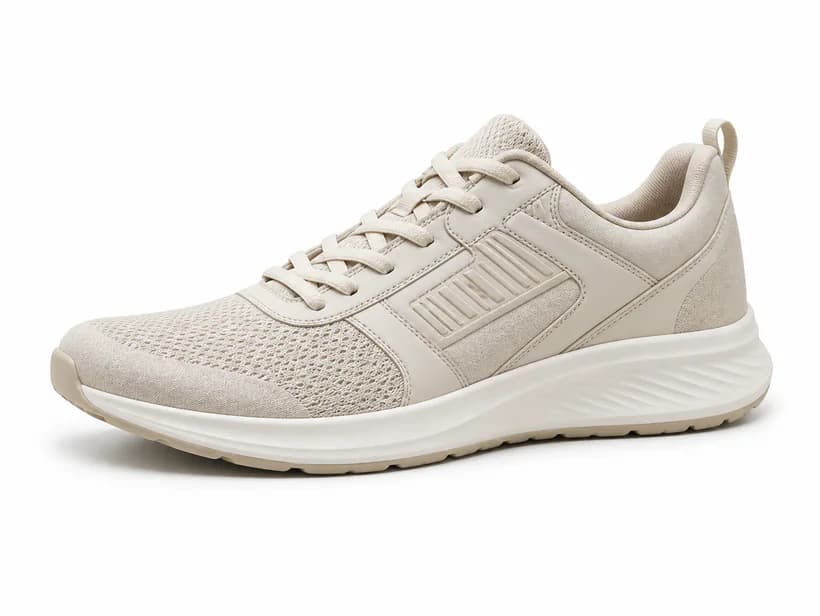
LIFESTYLE
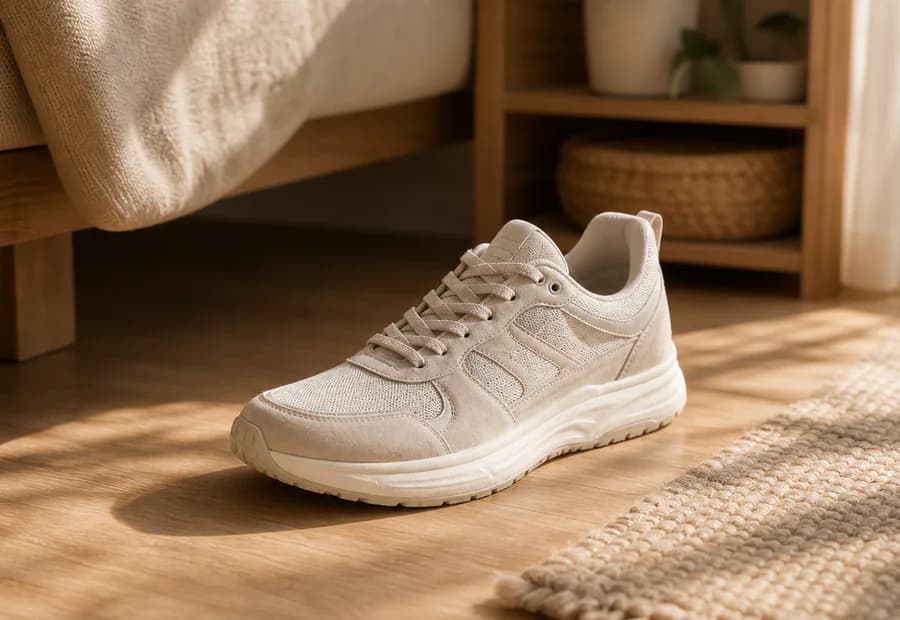
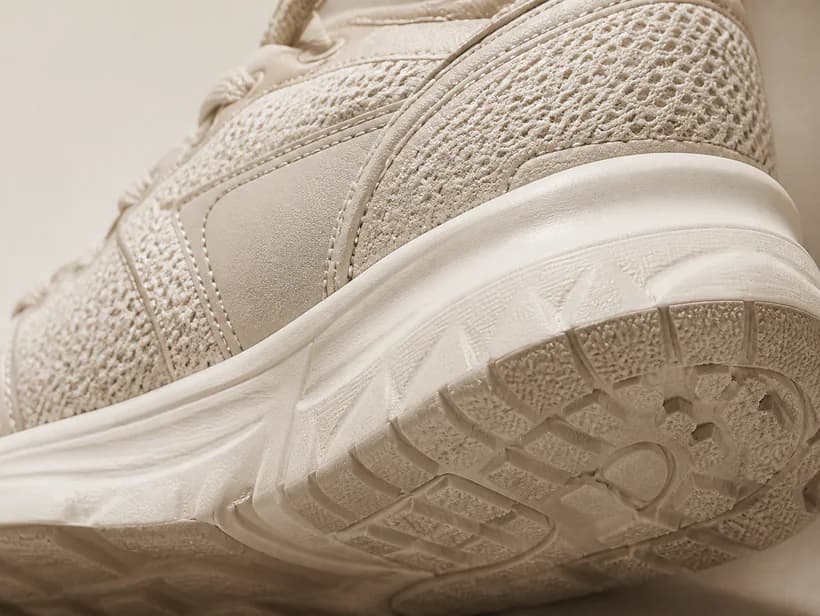
DETAIL
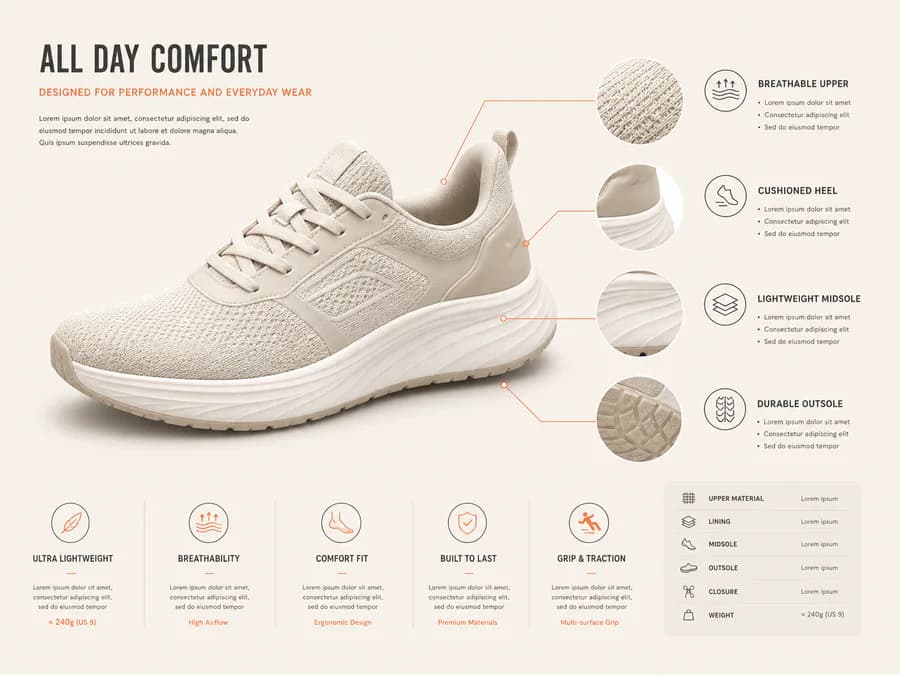
INFOGRAPHIC
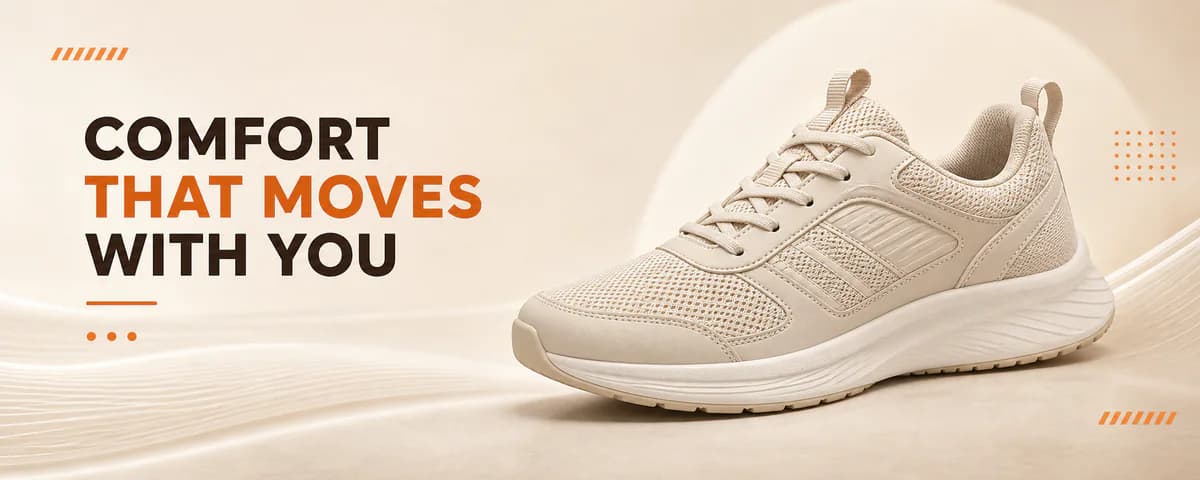
A+ HERO
Optimized output for
amazonshopifyEtsyeBayGoogle ShoppingTikTok Shop
Every ecommerce image task, one workflow
Built around the edits sellers search for every day.
AI Background Remover
Remove distractions and get clean, transparent or white backgrounds.
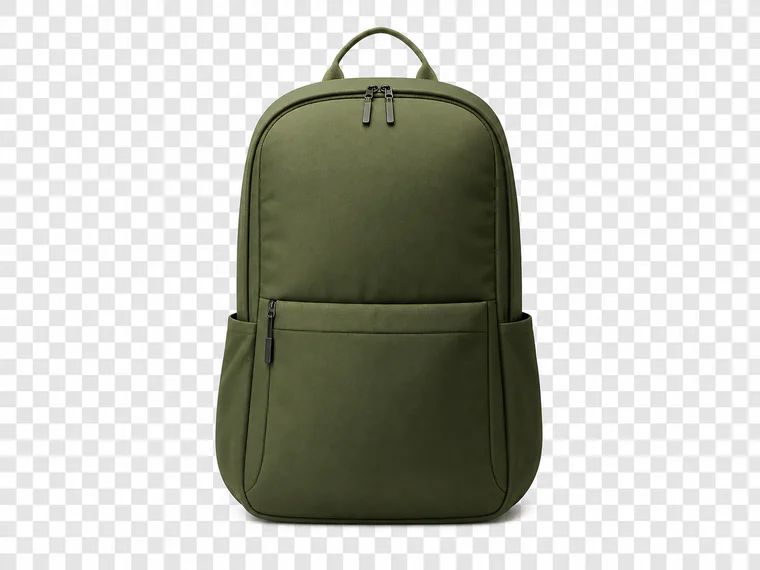
Product Background Changer
Swap in any background that fits your brand or marketplace.

Amazon Listing Image Generator
Create Amazon-compliant images that drive more clicks and sales.
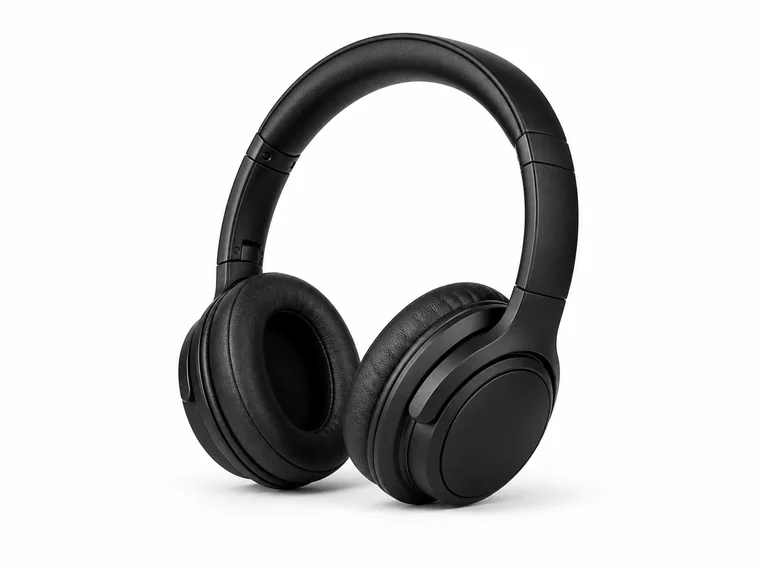
Lifestyle Product Photo Generator
Place products in realistic scenes that build buyer trust.

Product Infographic Maker
Turn benefits into clean, conversion-boosting feature graphics.
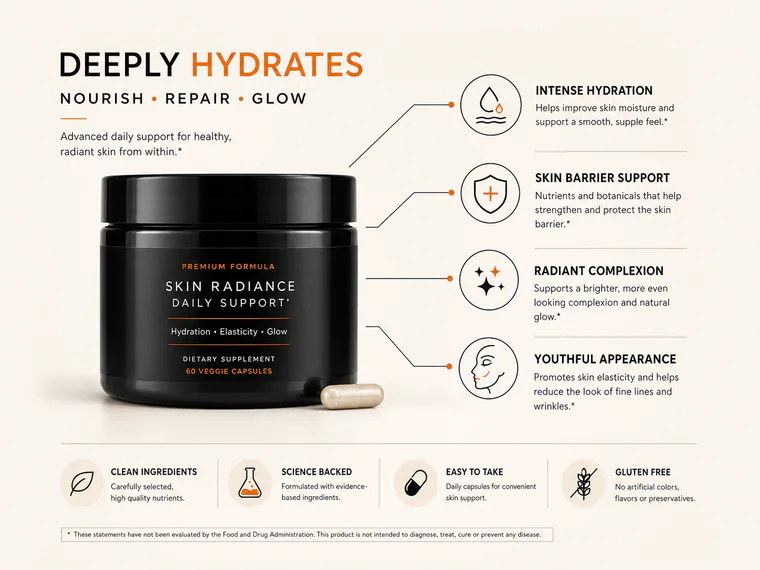
Batch Product Image Editor
Edit hundreds of product images and export ready-to-list files.
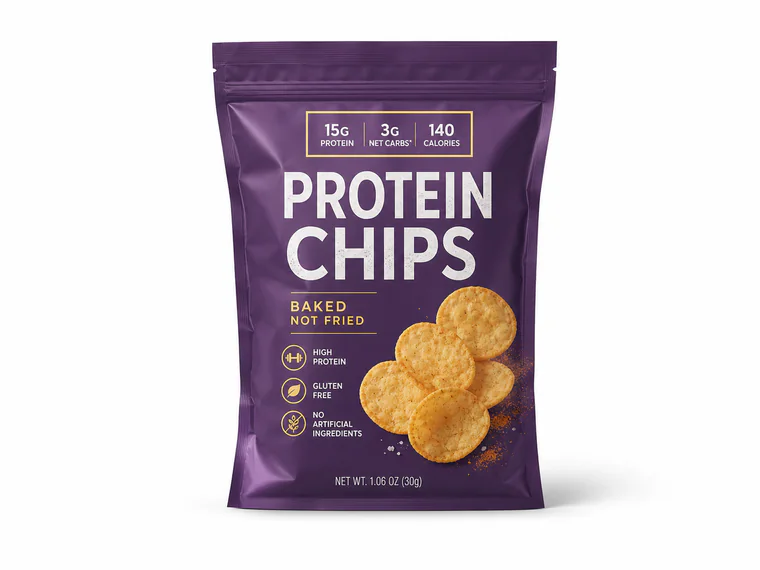
From supplier photo to marketplace-ready
One upload is all it takes to get clean, consistent, high-converting product images.
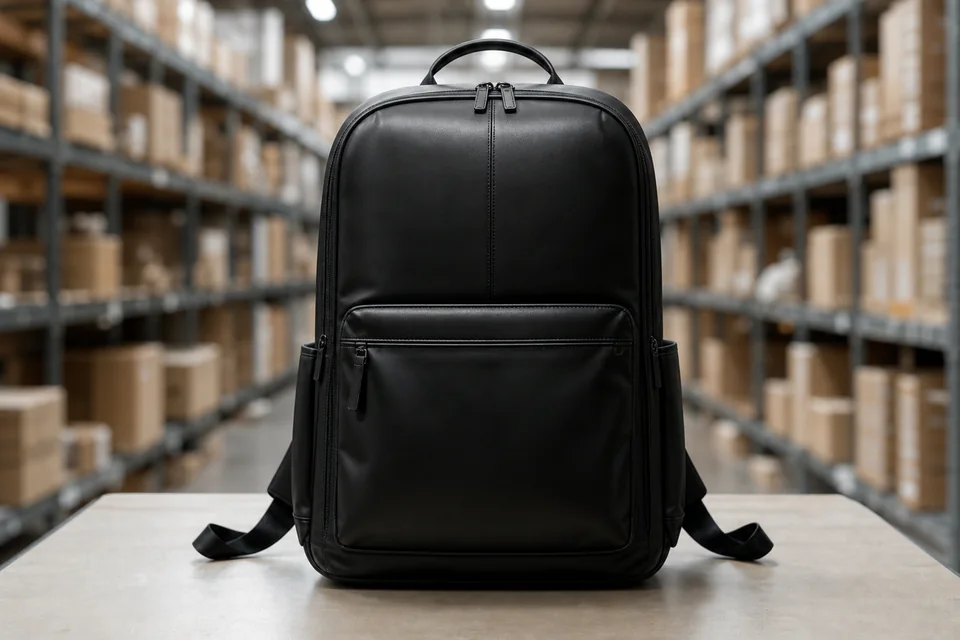
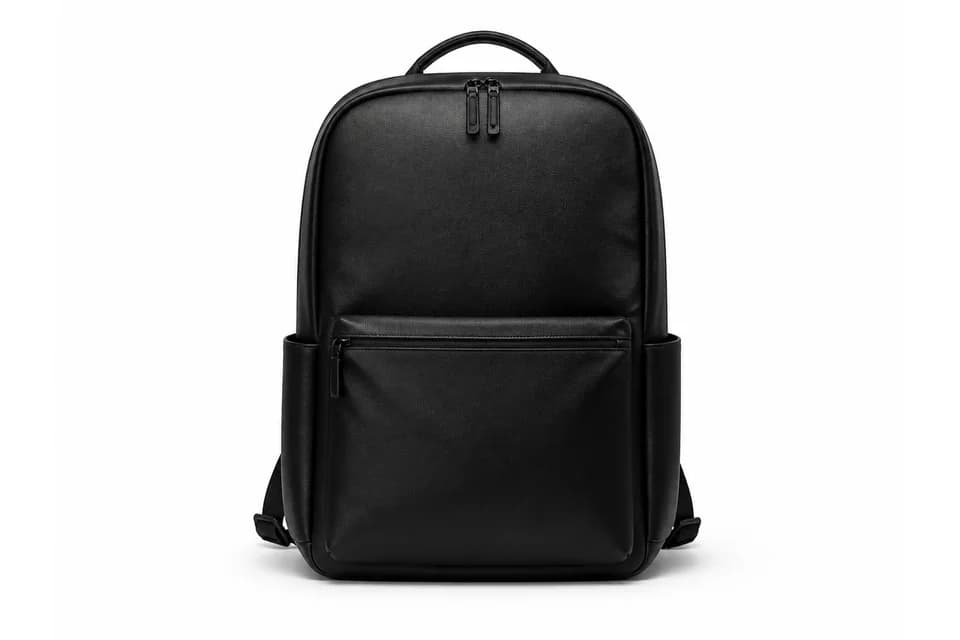
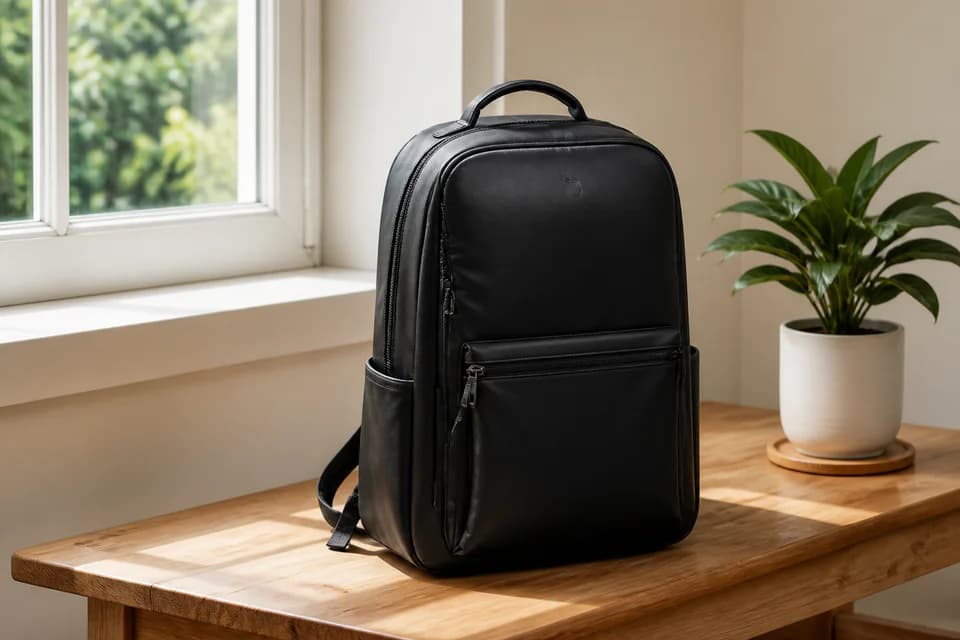
Remove backgroundChange backgroundAdd lifestyle scene
Amazon-ready images without guessing the rules
Every export follows Amazon listing image requirements so your files stay compliant and look professional.
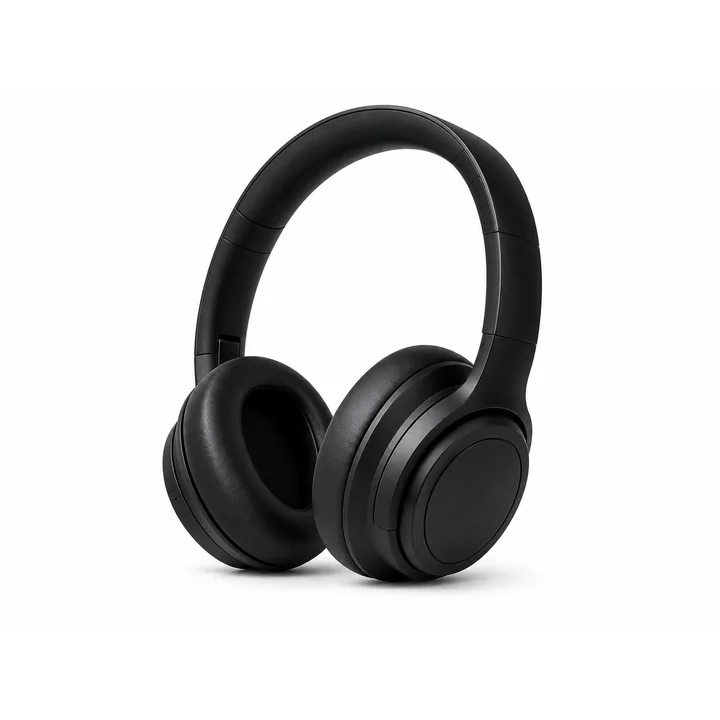
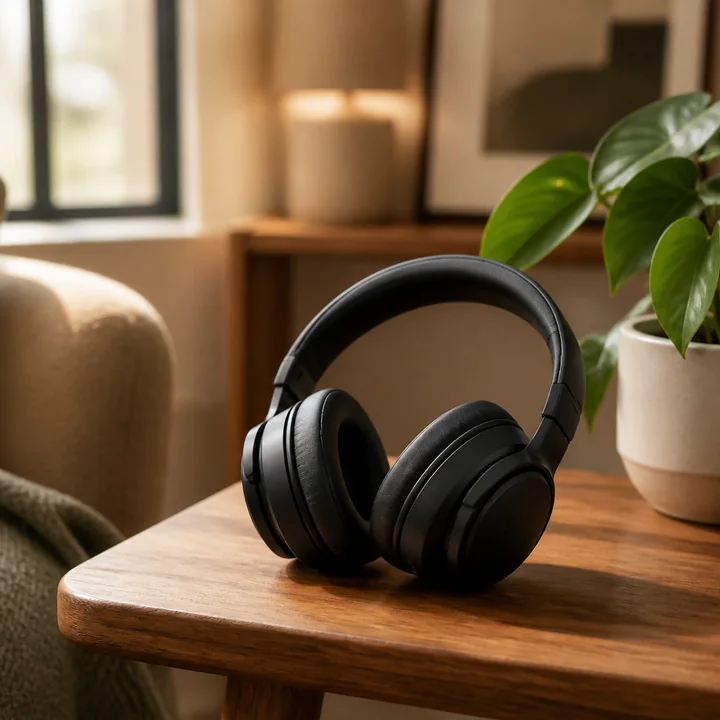
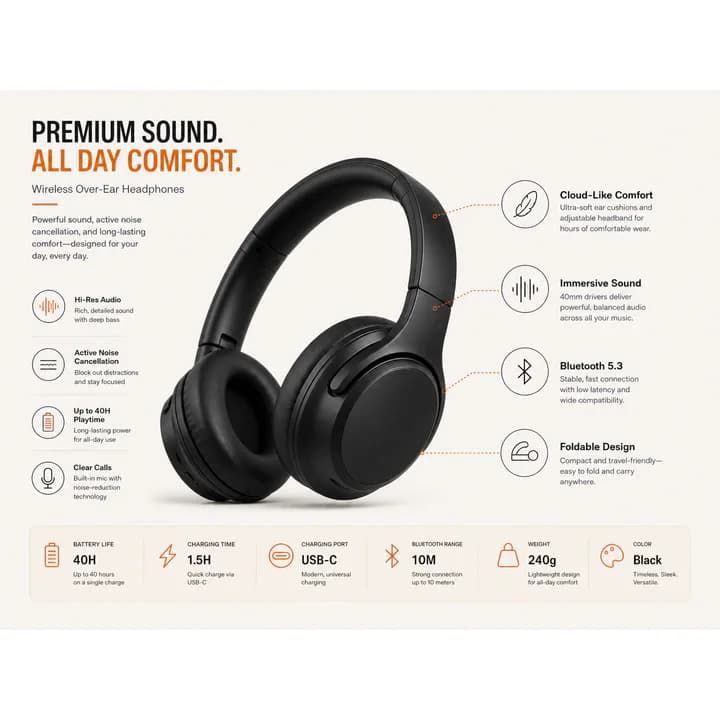


- White background main image
- 1:1 marketplace crop
- Image-safe text space
- A+ banner ratio
- Export-ready filenames
1
Upload one product photo
JPG, PNG, or WebP
2
Choose tasks or platform pack
Pick the edits you need
3
Export ready-to-upload files
Ad sizes, A+ files, and listings
The edits sellers repeat every week
Start free to use all tools
Product Background Changer
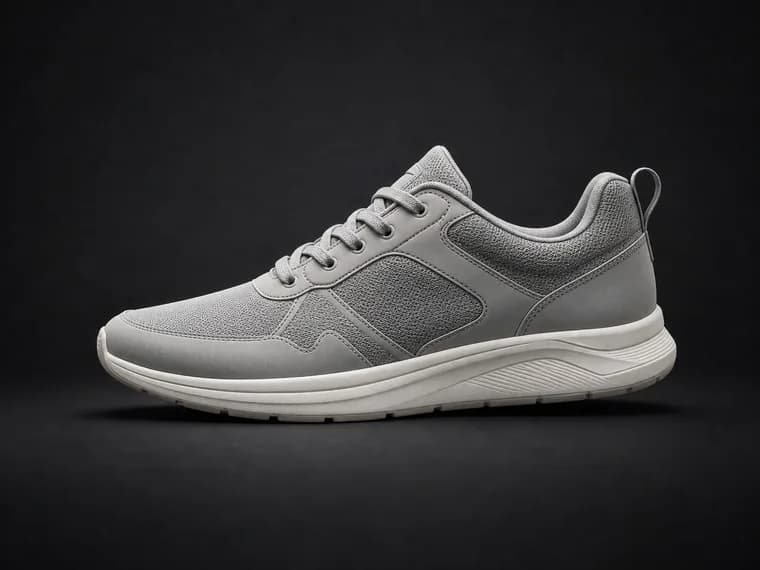
Product Photo Enhancer
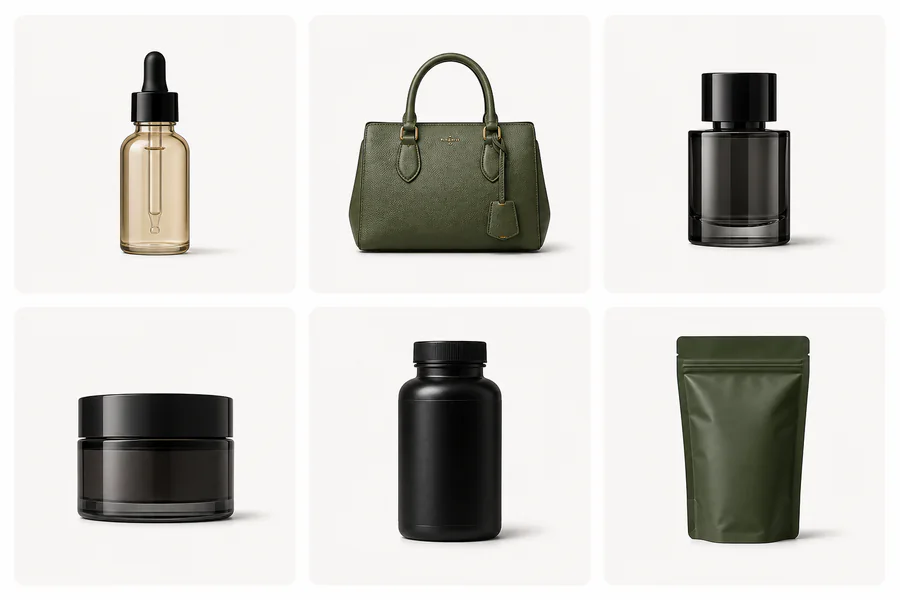
Batch Product Image Editor
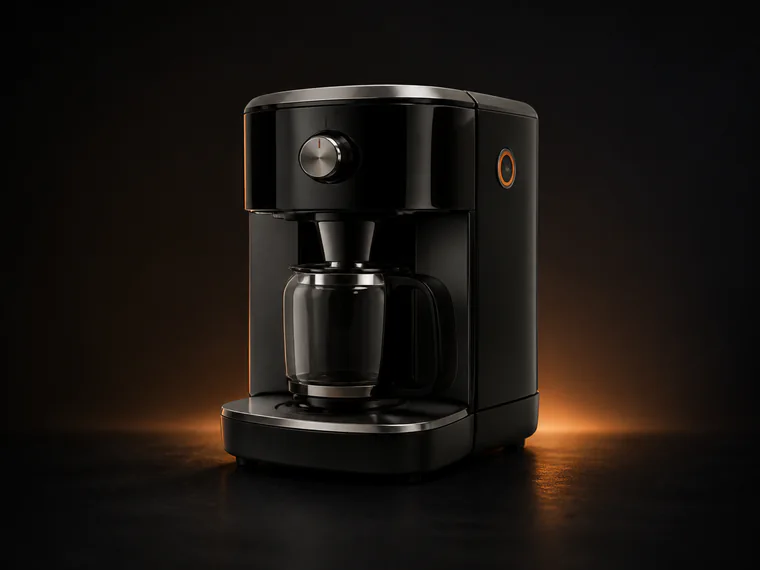
Amazon sellers
Increase clicks and conversions with Amazon-compliant images.
+32%More clicks
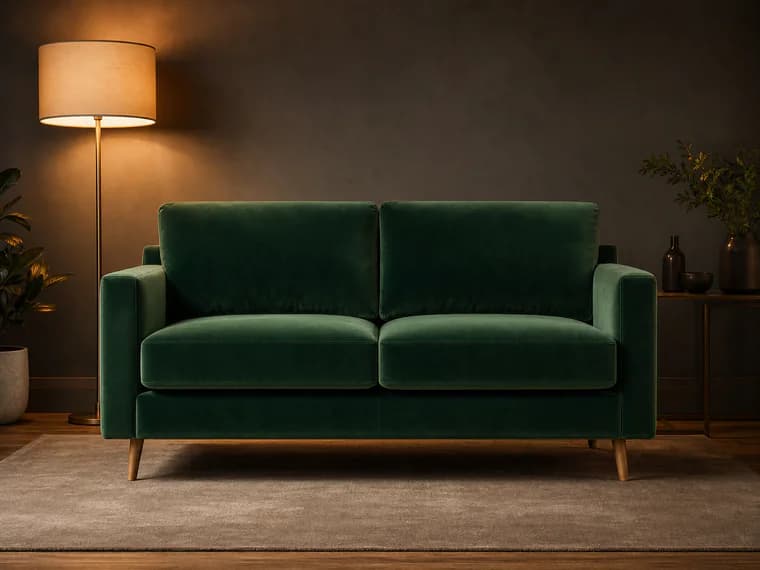
Shopify brands
Build a consistent brand look across every product.
+28%Higher add-to-cart rate
Agencies
Deliver more in less time for more clients.
3xFaster turnaround

Why Shelfgen instead of generic AI image tools?
It is built for product listings, not open-ended image play.
| Capability | Shelfgen | Generic AI tools | Manual designers |
|---|---|---|---|
| Ecommerce prompt presets | Limited | Yes | |
| Marketplace specs | No | Yes | |
| Batch export | Limited | Yes | |
| Upload-ready filenames | No | Manual work |
Starter
Try the workflow, no card.
$0/mo
- 5 AI credits included
- Try core AI tools
- Watermark on export
Lite
For a few active listings.
$19/mo
- 100 AI credits per month
- Core marketplace presets
- Bulk upload up to 5 SKUs
Pro
For solo sellers shipping weekly.
$49/mo
- 300 AI credits per month
- Amazon and Shopify spec presets
- Bulk upload up to 20 SKUs
Business
For brands and agencies.
$199/mo
- 1,500 AI credits per month
- Brand presets and style memory
- Bulk upload up to 200 SKUs
Questions sellers ask most
Can I remove product photo backgrounds?+-
Yes. Use AI Background Remover to cut the product out and export a transparent PNG, white-background main image, or a clean replacement scene for marketplace listings.
Can I make Amazon listing images automatically?+-
Yes. Shelfgen can generate Amazon-ready main images, lifestyle shots, infographics, detail crops, and A+ banners from one upload, with square crops and white-background rules handled for you.
Can I batch edit product images?+-
Yes. Lite supports bulk upload up to 5 SKUs, Pro supports up to 20 SKUs, and Business supports up to 200 SKUs, so you can refresh catalog images without editing every file by hand.
Can I create lifestyle product photos?+-
Yes. The lifestyle generator places products into realistic room, desk, bathroom, kitchen, or seasonal scenes while keeping the product shape, label, and key details intact.
Are the images compliant with marketplace rules?+-
Shelfgen applies marketplace-friendly ratios and export presets for Amazon, Shopify, Etsy, eBay, Google Shopping, and TikTok Shop. You still review final content before upload, but the sizing, crop, background, and filename workflow are built for seller requirements.
Do I need design skills to use Shelfgen?+-
No. Choose a tool or platform pack, upload your source image, and export ready-to-use files. Advanced tools are available when you want more control, but the default workflow is built for non-designers.
Trusted by

