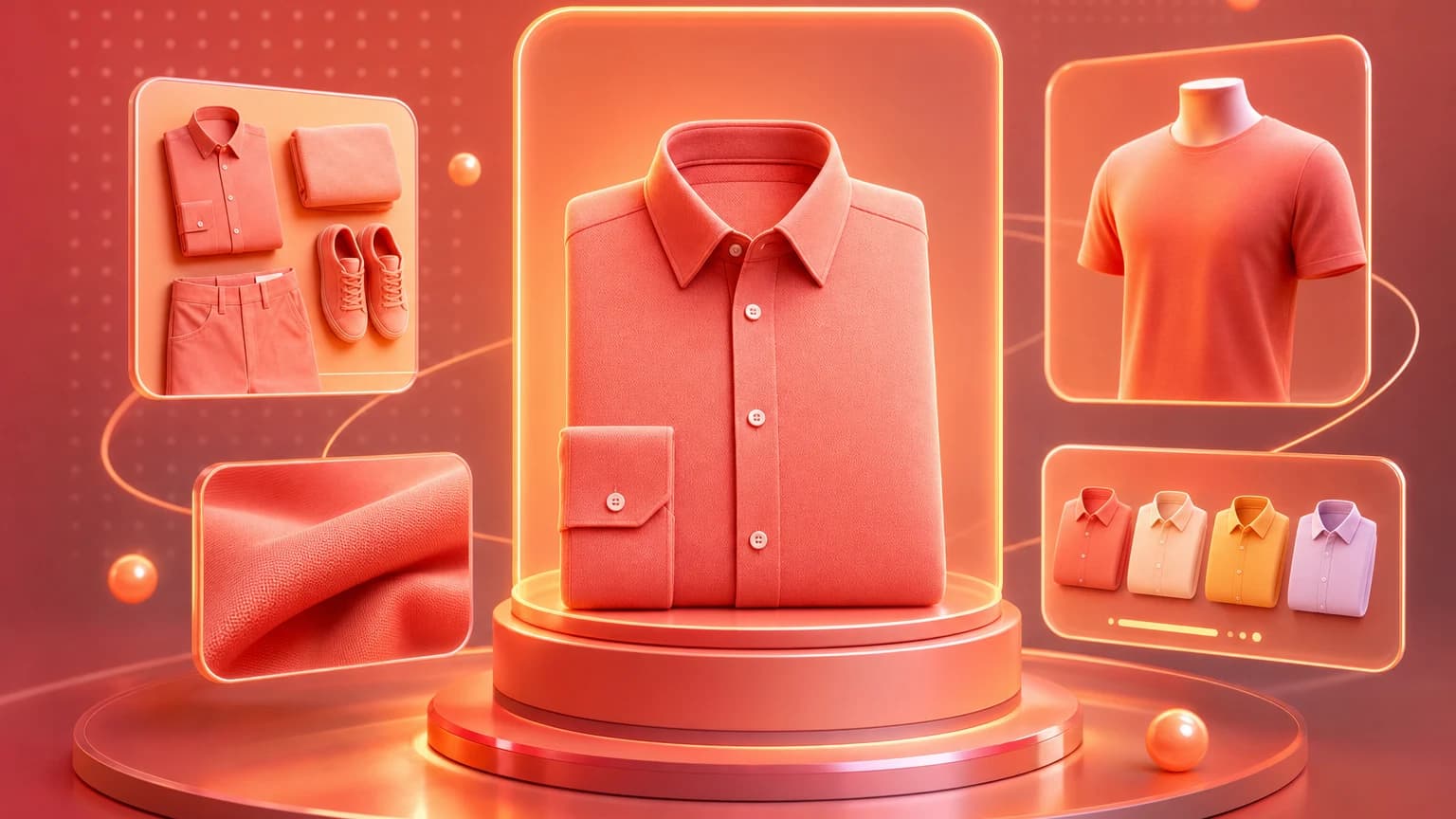
Flat lay product photography is an overhead image style where products are arranged on a surface and photographed from above. It is popular because it is clean, graphic, scalable, and easy to adapt for ecommerce, social media, email, and ads. It works especially well for clothing, accessories, jewelry, stationery, skincare, food, gifts, and product bundles.
A strong flat lay is not just a pretty arrangement. It clarifies what is included, how products relate to each other, what the material looks like, and what lifestyle the product belongs to. For sellers, flat lay photography is useful when a product needs organization, styling, or bundle context.
Flat lay images work because they reduce visual complexity. Everything is visible from above, the surface becomes a simple stage, and the seller can control spacing, hierarchy, and props. That makes the format especially useful for products with multiple pieces, small details, or styling combinations. It is also one of the easiest image types to systematize across a catalog.
Quick answer
Use flat lay product photography when you need a clean overhead view, a styled outfit, a bundle image, a product family, a gift set, a beauty routine, a food arrangement, or a social ad. Keep the layout simple, use soft light, align edges intentionally, and make the product the visual anchor.
Where flat lay works
Ranking guides often highlight flat lay for clothing and social media, but the format works across more categories. Apparel sellers can use flat lays for shirts, sweaters, pants, accessories, and outfit sets. Beauty sellers can arrange a routine or product family. Food brands can show packaging with ingredients or serving pieces. Jewelry sellers can style pieces on fabric or trays. Gift sellers can show what arrives in a box.
Flat lay is less useful when fit, scale, or three-dimensional shape is the main buyer question. A pair of pants may need a model image. A mug may need a side view. A reflective object may need a controlled studio angle. Use flat lay as one image role, not the entire product story.
For apparel, flat lay is excellent for outfits, colorways, folded garments, texture, and bundle styling. It is weaker for fit. For beauty, it can show routine order, product families, travel sets, and texture props. For food, it can show serving suggestions or ingredient context, but the props must not imply false ingredients. For stationery and craft products, flat lay can show scale, included pieces, and creative use.
Flat lay also works well for launch campaigns because it creates a strong graphic system. A brand can create one surface, one lighting style, and one spacing rule, then produce a family of images across SKUs. That consistency helps collection pages, email modules, and paid ads feel more polished without needing a full lifestyle shoot for every product.
Composition rules
- Choose one hero product or one clear bundle.
- Leave enough negative space so the layout can breathe.
- Align edges intentionally, especially for apparel and packaging.
- Use props that support use case, not random decoration.
- Vary object size so the image has hierarchy.
- Keep important labels facing the camera.
- Crop for the channel where the image will be used.
Flat lays fail when every object has the same visual weight. The shopper should know what to look at first. Use the main product as the anchor, then place supporting objects around it. If the supporting objects distract from the SKU, remove them.
Use spacing as a selling tool. Tight spacing can make a bundle feel abundant, but it can also make the image harder to scan. Wide spacing feels premium and clean, but it may make a low-price bundle feel sparse. Diagonal layouts add energy, grid layouts add order, radial layouts work for kits, and S-curve layouts work for routines. Choose the layout that matches the buyer's question.
Props should pass a relevance test. A coffee cup beside stationery is understandable. Loose botanical ingredients beside skincare can be risky if the formula does not contain them. Fresh fruit beside a packaged snack may imply flavor or ingredients. A laptop beside a notebook may help scale; a random candle may only add clutter. Every object in a flat lay should either clarify use, scale, bundle contents, or brand mood.
Lighting and surface
Soft light works best for most flat lays. A window, diffuser, or large softbox creates gentle shadows that keep the image clean without making it look flat. Avoid harsh overhead lighting that creates phone shadows, shiny hotspots, or uneven color. Use a tripod or overhead arm if you need repeatable catalog images.
Surfaces matter. White, light gray, cream, linen, wood, stone, paper, and colored backdrops can all work. Choose surfaces by category. Linen supports apparel, jewelry, beauty, and handmade products. Stone supports skincare and premium packaging. Wood supports food, home goods, and craft products. Colored paper can work for playful brands and ads.
Camera alignment matters more than many sellers expect. If the camera is even slightly angled, rectangular packaging can look warped, garment edges can look crooked, and grid layouts can feel sloppy. Use a level, overhead mount, or camera grid. In editing, correct perspective before cropping. A flat lay should feel intentionally overhead, not like a product dropped on a table and photographed quickly.
Surface texture should be visible but not dominant. Linen can make jewelry feel tactile, but heavy wrinkles can distract. Wood can make food feel warm, but strong grain can compete with packaging. Stone can make beauty products feel premium, but high-contrast veins can reduce label clarity. If a surface makes the product harder to read at thumbnail size, choose a calmer one.
AI workflow
AI can speed up flat lay production by generating surface variations, prop arrangements, seasonal layouts, and ad crops from a product source photo. The workflow is useful when sellers need multiple campaign versions or a consistent catalog look without restyling every SKU physically.
The product still needs review. Check label text, product shape, scale, and included items. If the AI adds extra accessories, changes a garment shape, invents ingredients, or alters package design, the image should not be used as a listing asset.
Prompt AI flat lays by specifying overhead angle, surface, spacing, prop rules, crop, and product truth. For example: overhead flat lay of a skincare routine on warm stone, one serum bottle as hero, two supporting products smaller, soft shadows, generous negative space, no extra labels, no flowers or ingredients, square crop. For apparel: overhead flat lay of a folded linen shirt with matching belt and sandals, clean cream fabric surface, preserve garment color and buttons, no model, no invented logo.
AI is especially useful for seasonal flat lays. A gift set can be shown with holiday wrapping, summer travel context, back-to-school desk props, or minimal premium packaging without reshooting. The key is to create variants around a stable product, not to let the AI redesign the product or add items the buyer will expect to receive.
For production, create a flat lay template library: product family, bundle, routine, gift, scale, ad, and seasonal. Each template should define camera angle, surface, spacing, prop categories, lighting, and crop ratio. This makes image generation repeatable and gives your team a consistent QA checklist.
Mistakes
The most common mistake is clutter. Flat lay images can become piles of props. The second mistake is inconsistent angle. If the camera is not truly overhead, objects can look skewed. The third mistake is using props that imply false contents, ingredients, or accessories. The fourth is forgetting mobile crops: a beautiful horizontal flat lay may fail in a square product grid.
Another mistake is using flat lay when the buyer needs depth. A folded shirt can show color and styling, but it cannot show fit. A watch laid flat can show face design, but it may not show wrist scale. A mug from above may hide handle shape. The image role should decide the format. Flat lay is a strong supporting image, but it rarely replaces all other product photography.
Measure flat lay performance by placement. A flat lay may perform well in social ads because it feels editorial, while a simple catalog angle may perform better on a product page. Track clicks, add-to-cart behavior, and return reasons separately by channel. The goal is not to prove that flat lay is always best; the goal is to know where it helps shoppers decide faster.
Checklist
- Use flat lay when overhead context helps the buyer.
- Make one product or bundle the visual anchor.
- Use soft, even light and a clean surface.
- Keep labels, shapes, and included items accurate.
- Avoid clutter and unrelated props.
- Export square, portrait, and ad crops when needed.
- Use AI for controlled variations, then review product truth.
A flat lay is successful when it looks styled and still behaves like a product image.
Sources reviewed include flat lay clothing photography guides, general flat lay photography guides, Shopify flat lay resources, and ecommerce product photography discussions about overhead composition.
Use Shelfgen to generate styled flat lay variants, surfaces, and ad-ready crops from one source product image.
Compare what Amazon, Shopify, Etsy, eBay, Google Shopping, and TikTok Shop need from each image role.
See the tools for background removal, product scenes, infographics, brand presets, and batch exports.
Follow the step-by-step help article when you are ready to generate and download your first output set.