Image packs for every channel you sell on.
Shelfgen turns one source photo into platform-specific listing assets with the right ratios, crops, filenames, and content patterns for each marketplace. Use this page as the routing hub before you build an Amazon gallery, a Shopify PDP set, an Etsy listing, an eBay catalog refresh, or Google Shopping feed images.
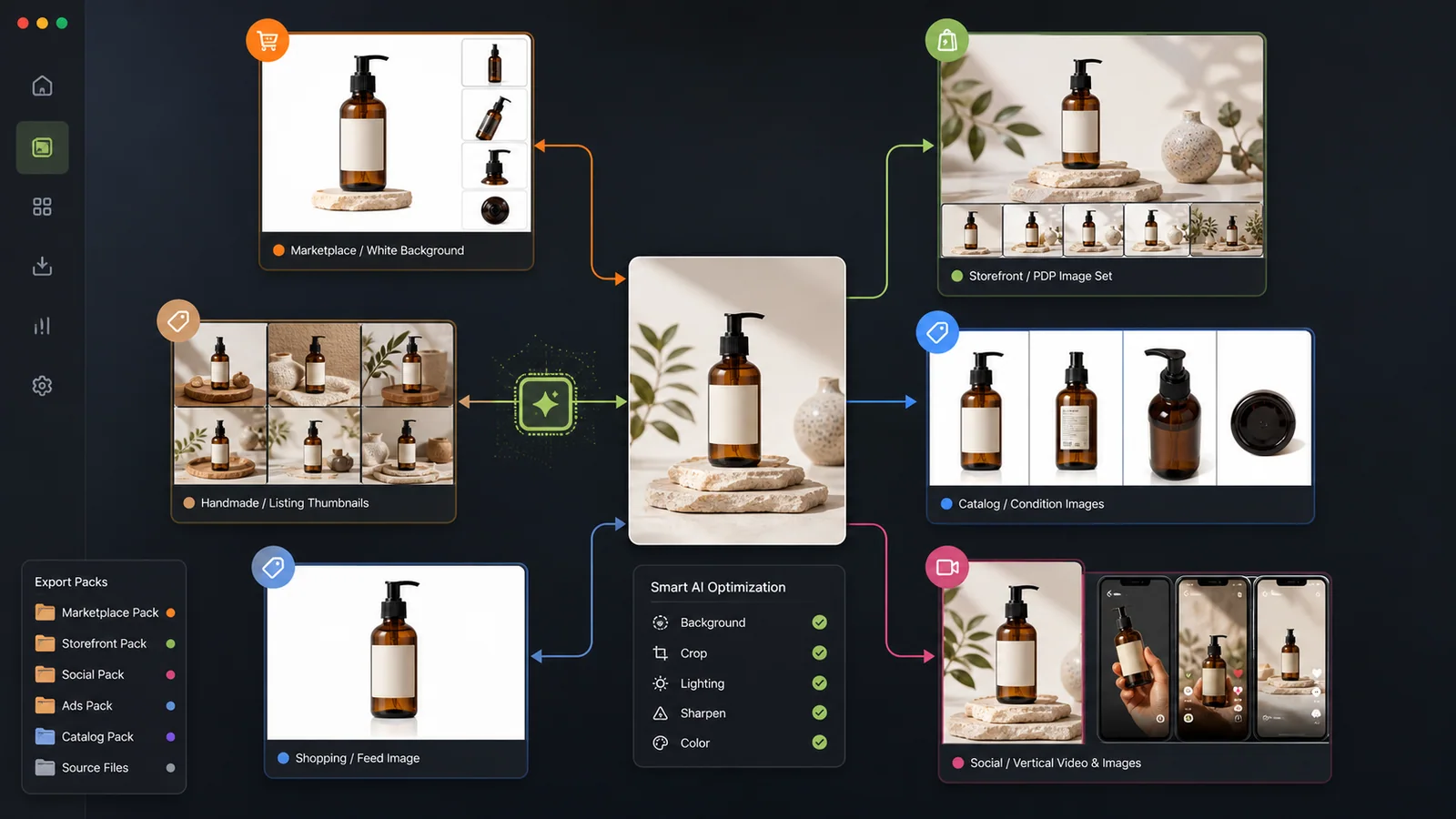
One source product photo routed into marketplace, storefront, catalog, feed, and social export packs.
Main image, lifestyle, infographic, A+ hero, dimensions, and compliance-ready listing assets.
PDP squares, collection cards, lifestyle banners, mobile-safe crops, and theme-aware exports.
Handmade-friendly listing sets with detail crops, scale shots, process imagery, and shop-ready thumbnails.
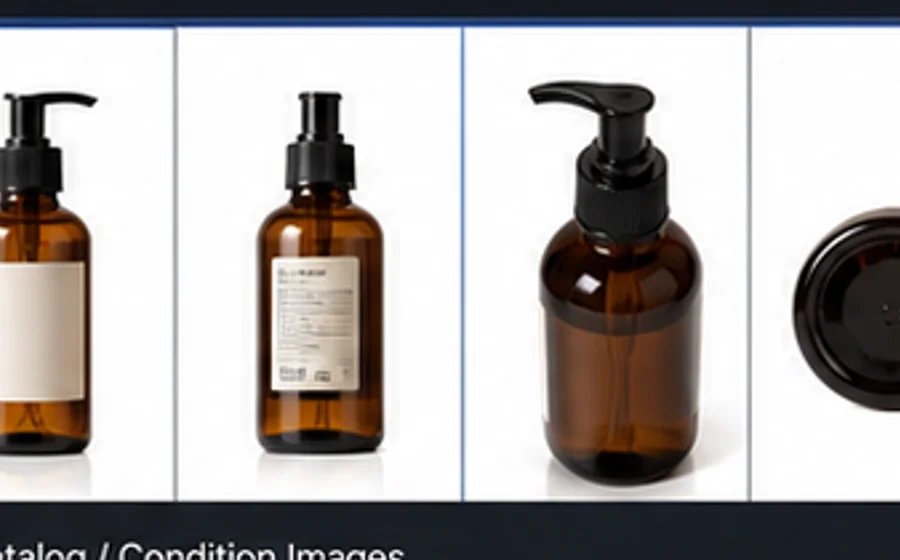
Clean gallery images, condition details, packaging shots, and buyer-trust visuals for marketplace listings.
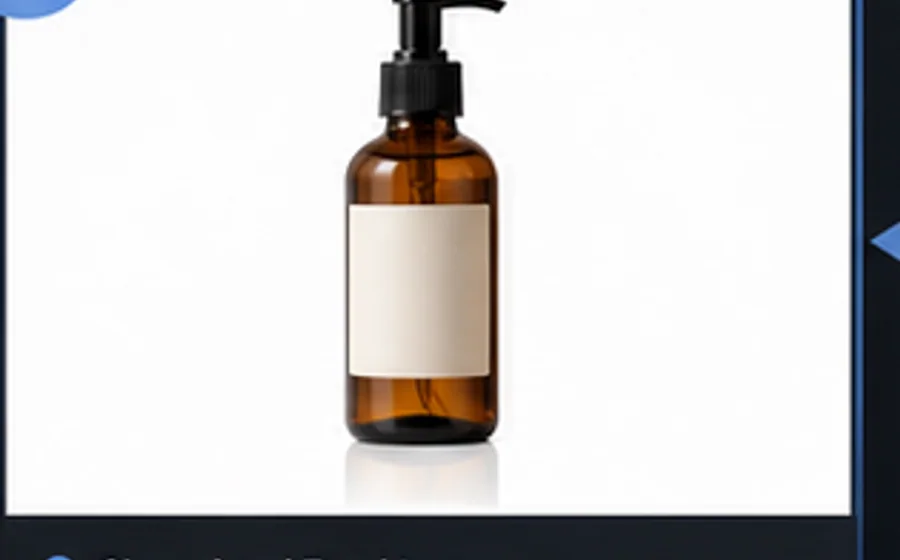
Feed-safe product photos, variant crops, compressed catalog exports, and SEO image metadata.
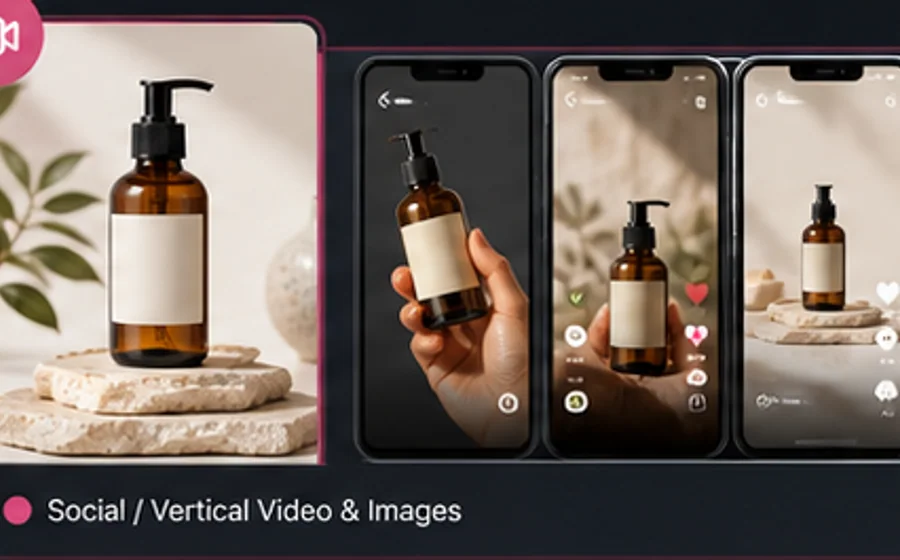
Vertical-first product scenes, creator-style angles, thumbnail crops, and social commerce assets.
The same product photo needs
different jobs by channel.
A single image style rarely survives every destination. Amazon is strict about the first image. Shopify needs theme-safe crops. Etsy buyers inspect material and scale. Feeds need clean, fast files.
White-background main, secondary lifestyle images, infographics, A+ modules.
Square main, clean product edges, no text on image 1, product-first composition.
PDP gallery, collection cards, mobile banners, cart upsell crops, email headers.
Theme-safe crops for Dawn, Impulse, Editions, Prestige, and custom storefront layouts.
Listing thumbnail, detail crops, scale images, process shots, packaging images.
Warm but accurate imagery that proves material, scale, craft, and what the buyer receives.
Clean gallery, condition details, packaging, variant angles, trust-building close-ups.
Neutral backgrounds, accurate condition, readable details, and repeatable naming for catalogs.
Feed-safe product images, variant photos, compressed exports, SEO-ready names.
Clean product visibility, policy-safe presentation, and fast-loading catalog image files.
Vertical product scenes, creator-style hooks, thumbnails, social proof crops.
9:16 first, product visible in the opening frame, with reusable crops for ads and posts.
From source image
to channel-ready folder.
Treat each channel as a production brief. The goal is not only a good-looking image; it is an image set that can be reviewed, named, uploaded, and refreshed without rework.
Start with one source photo
Use a phone shot, supplier image, or product render. Shelfgen keeps the real product identity while generating channel-specific scenes and crops.
Choose the sales channel
Pick Amazon, Shopify, Etsy, eBay, Google Shopping, or TikTok Shop. Each preset controls ratio, image role, naming, and review criteria.
Review the export set
Check main image safety, crop margins, product scale, text density, and whether each output answers a buyer question.
Publish with predictable files
Download a channel-ready folder with names your team can recognize, archive, upload, and refresh when a listing changes.
Guides for each
publishing path.
These internal resources give each platform page more context and give search crawlers clearer routes through the site.
Amazon product photo requirements checklist
Use this before submitting a main image or full listing gallery to Seller Central.
Generate Amazon listing images
Step through the Shelfgen Amazon workflow and export a ready-to-upload image set.
Shopify product image size guide
Plan square PDP images, collection crops, wide banners, and social ratios.
Shopify crops and social ratios
Use the help article to keep product crops safe across theme breakpoints.
Etsy listing photo size and resolution
Build listing thumbnails and supporting images that help buyers inspect handmade products.
Etsy, eBay, and Google Shopping basics
Compare the practical export notes for secondary marketplaces and merchant feeds.
Pick a marketplace.
Generate the full image set.
Start with 5 free AI credits and export platform-specific images from one source photo.
Start free