Clothing product photography has to answer questions that other categories can avoid. A shopper wants to know what the garment looks like, how it fits, how the fabric drapes, whether the color is accurate, what the texture feels like, and how it might look on a real body. A single flat lay is rarely enough. A single model photo is rarely enough. Apparel listings need a visual system.
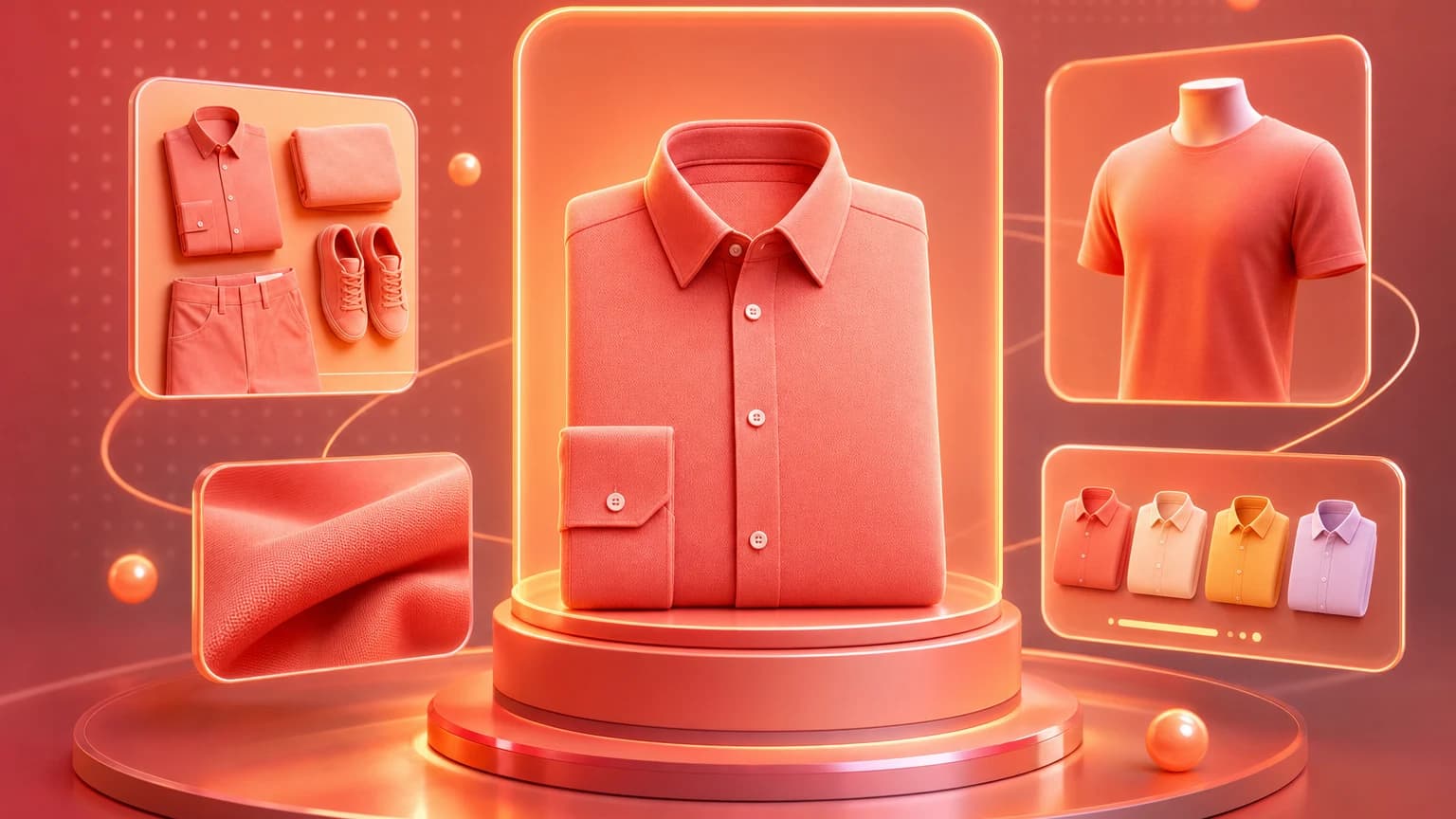
The strongest clothing stores use a combination of flat lay, ghost mannequin, on-model, detail, fit, and lifestyle images. Each style has a different job. Flat lay shows shape and styling. Ghost mannequin shows structure at scale. On-model images show fit and movement. Detail images prove fabric, seams, stitching, buttons, zippers, and finish.
Quick answer
For clothing product photography, create a core image set: clean front view, back view, flat lay or ghost mannequin, on-model fit image, fabric detail, size or fit reference, color variants, and a lifestyle image. Keep lighting and color consistent across the catalog, because apparel shoppers compare products side by side.
Three image styles
Ranking guides for clothing product photography usually organize the topic around three styles: flat lay, ghost mannequin, and on-model photography. Flat lay is scalable and affordable. Ghost mannequin creates a structured catalog look. On-model photography gives buyers the clearest fit context but costs more and is harder to scale.
That framework is useful, but ecommerce sellers should not choose only one style. A budget brand might start with flat lays and detail images, then add AI-assisted model context. A premium brand might lead with model photography, then use flat lays for collection grids and details for product pages. The right mix depends on return risk, price point, SKU count, and how much fit matters.
Flat lay
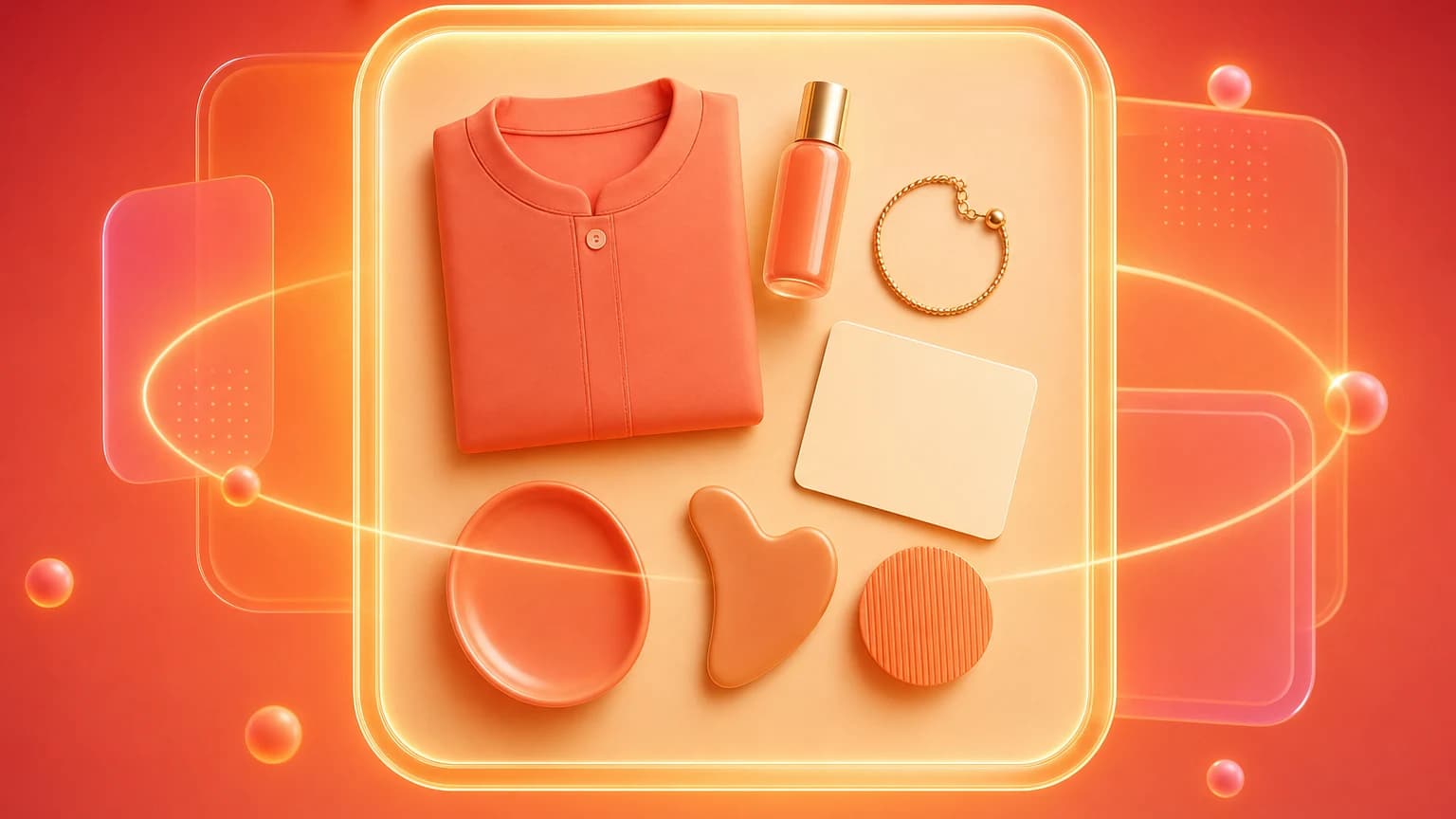
Flat lay photography works well for shirts, sweaters, pants, accessories, kidswear, activewear, and styled outfits. It is especially useful for social content and collection images because it creates clean, graphic compositions. The challenge is shape. A flat lay can make a garment look lifeless if sleeves, hems, collars, and folds are not styled intentionally.
- Steam or lint-roll the garment before shooting.
- Align shoulders, sleeves, seams, and hems.
- Use consistent overhead camera height.
- Keep the background clean and brand-appropriate.
- Show texture and fabric without over-styling.
- Create a front and back view when construction matters.
On-model
On-model images reduce uncertainty because they show fit, drape, length, sleeve shape, neckline, waist, and movement. They are especially important for dresses, pants, fitted tops, outerwear, swimwear, and premium apparel. The model does not need to dominate the image. The product still needs to be the hero.
Include sizing context whenever possible. Model height, size worn, and garment measurements help buyers interpret the image. Without that context, a model photo can still mislead. A dress that looks knee-length on one model may look very different on another body.
Details and variants
Details sell clothing quality. Show fabric texture, stitching, lining, buttons, zipper, waistband, collar, cuff, pocket, logo placement, and care label when relevant. If a garment has multiple colorways, shoot or generate consistent variant images. Buyers should be able to compare colors without wondering whether lighting changed.
Color accuracy is one of the biggest apparel trust issues. Avoid mixing warm and cool light across variants. If you use AI to generate backgrounds, keep the garment color locked. A navy shirt should not become cobalt, and a cream sweater should not become white.
AI workflow
AI can help clothing sellers expand beyond flat lays without booking a full shoot for every SKU. A clean garment source image can become a lifestyle scene, a model-context image, a background variation, or an ad crop. The key is review: fit, seams, fabric, logo, color, and garment shape must remain accurate.
Shelfgen can support clothing workflows by helping sellers create consistent background sets, lifestyle variations, and ecommerce-ready crops from source photos. Use AI to scale visual production, but keep source images and product facts as the truth layer.
Checklist
- Create front, back, detail, fit, and lifestyle images.
- Use flat lay for scalable product presentation.
- Use model context when fit or length matters.
- Keep garment color consistent across variants.
- Show fabric texture and construction details.
- Review AI outputs for altered seams, logos, shape, and fit.
- Export separate crops for PDP, collection grid, ads, and social.
Apparel photography is not only about style. It is a return-prevention system.
Sources reviewed include clothing product photography guides, flat lay photography guides, apparel AI studio content, and seller discussions about turning flat lays into catalog-style model imagery.
Use Shelfgen to generate flat lay variations, model context, lifestyle scenes, and product-page crops.
Compare what Amazon, Shopify, Etsy, eBay, Google Shopping, and TikTok Shop need from each image role.
See the tools for background removal, product scenes, infographics, brand presets, and batch exports.
Follow the step-by-step help article when you are ready to generate and download your first output set.