What the seller needed to solve
- Agencies need to produce image sets for many brands without mixing visual standards.
- Manual image production creates handoff delays between account managers, designers, marketplace specialists, and clients.
- Every client needs different crop rules, export specs, and approval criteria.
How Shelfgen fits into the process
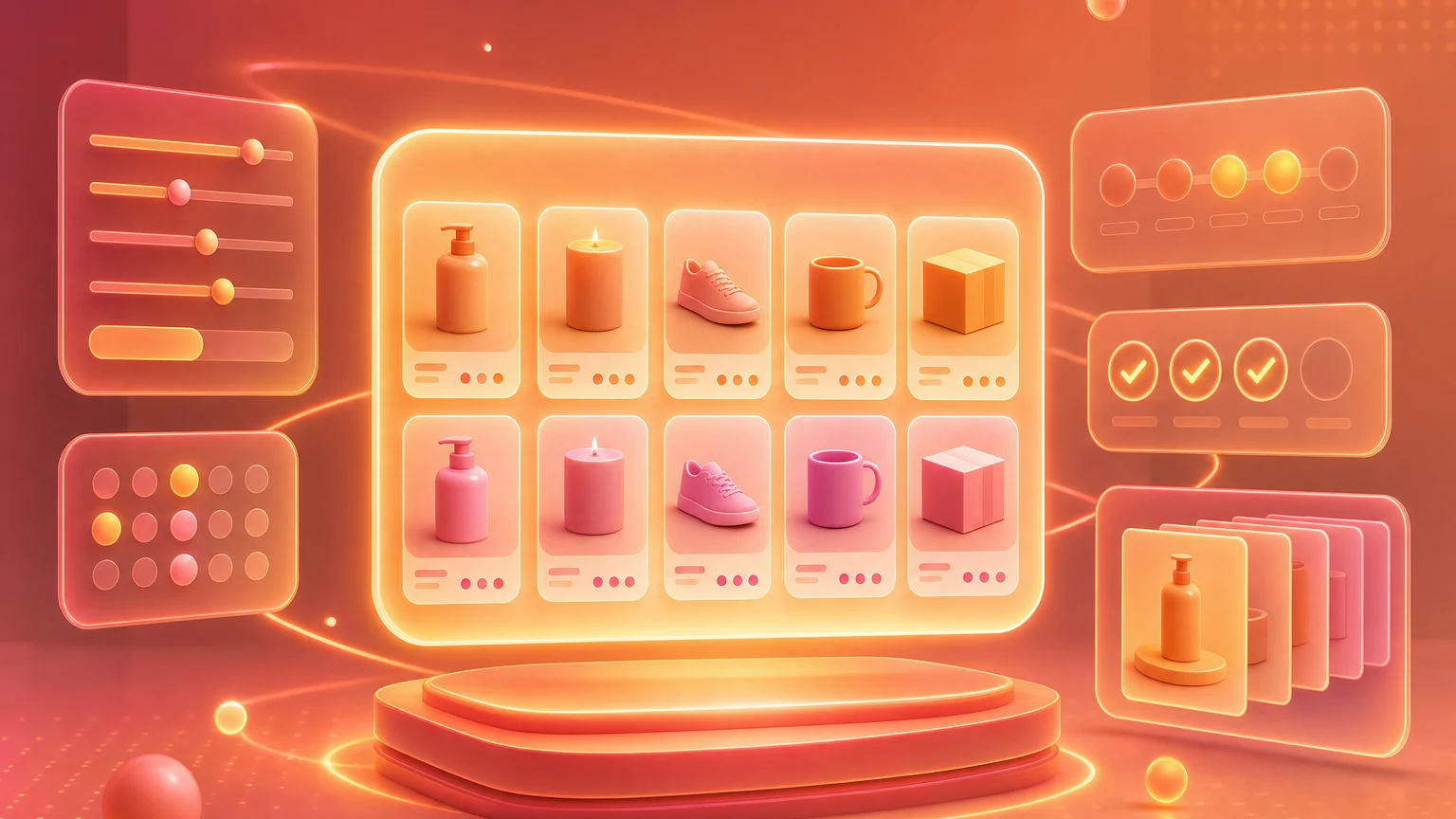
- Create a brand preset for each client with scene, crop, background, and export rules.
- Connect product data and source assets from the agency PIM or asset library.
- Generate image sets by client, marketplace, and image role.
- Review outputs using product accuracy and channel compliance checks.
- Export approved assets back into the client delivery workflow.
What the team exported
- Client-specific image preset
- Marketplace listing set
- DTC product gallery
- Ad creative variants
- Batch export package
- Review-ready asset set
Scale breaks when every asset is a custom request.
Agencies can sell product image strategy, but delivery often gets stuck in manual production. Each client has different standards, each marketplace has different constraints, and every revision adds another round of coordination.
Shelfgen gives agency teams a more operational way to produce image sets. Brand presets keep the creative direction stable. Review workflows keep the product truthful. Exports keep the handoff clean.
The API makes image generation part of the operating system.
For agencies managing many clients, the value is not only image generation. It is repeatability. A product can move from PIM data to generated assets to review to export without rebuilding the process each time.
That gives account teams more room to focus on strategy, merchandising, and performance instead of resizing files and rebuilding similar image sets by hand.
How to keep the workflow publishable
- Separate client presets so brand systems do not bleed into each other.
- Keep approvals tied to product accuracy and platform requirements.
- Use predictable file naming for client handoff.
- Archive source images, prompts, and final outputs for repeat work.