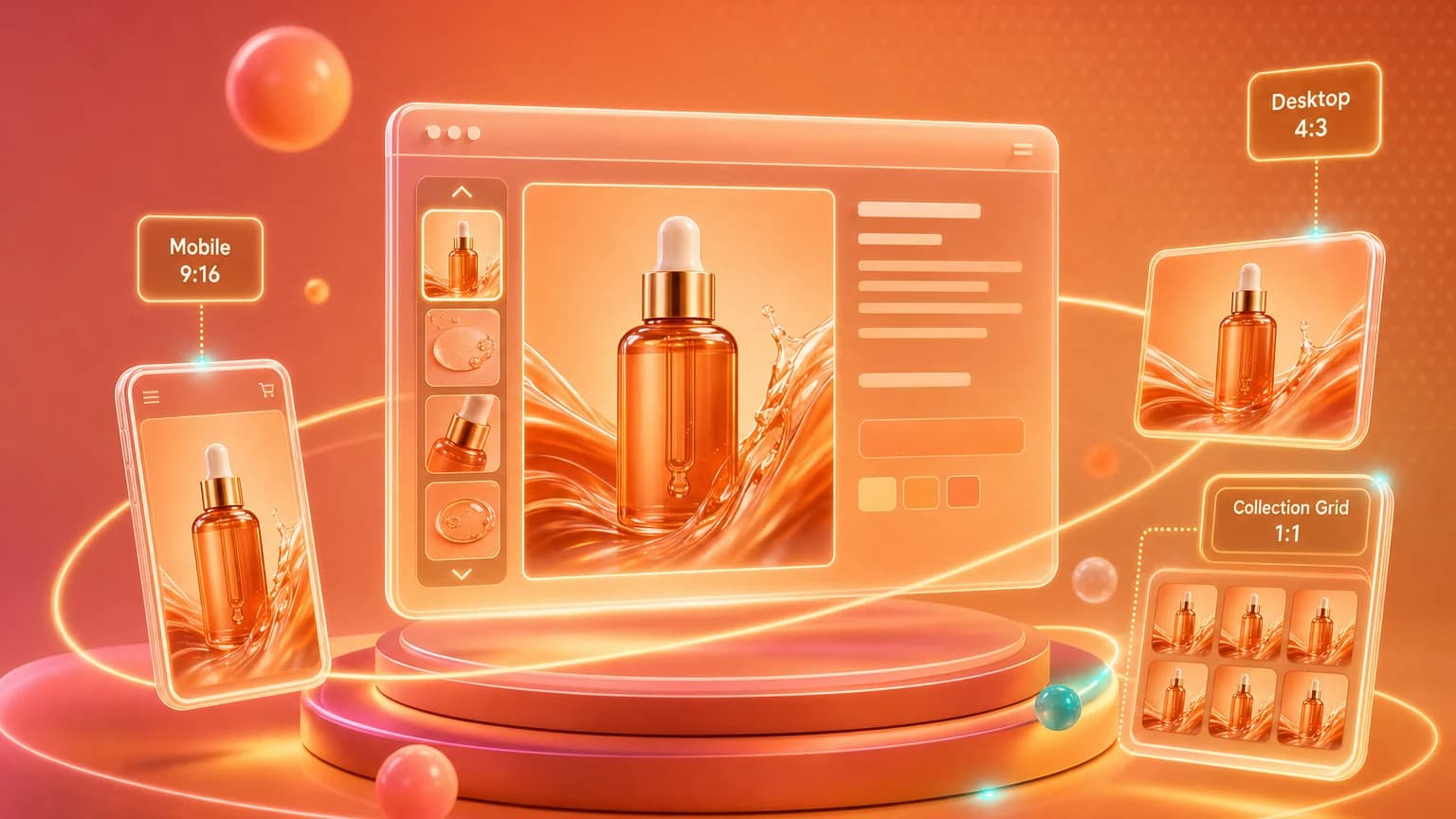
Shopify's Dawn theme is the default for hundreds of thousands of stores. It's well-designed in most respects, except one: image cropping. By default, Dawn doesn't show you the same image on PDP, collection card, and mobile hero. It silently crops your photo to fit whatever frame the layout needs — and most sellers don't realize their carefully composed shot is being chopped.
We pulled 800 random Dawn stores and looked at what happened to their main product image at three layout breakpoints. The results: in 67% of stores, the product was partially cropped on at least one breakpoint. In 22%, the entire focal point of the image was lost on mobile.
What Dawn actually does
Dawn uses a CSS object-fit: cover approach for all product imagery. That means: regardless of what aspect ratio you upload, the theme will scale and crop the image to fill the layout slot. If the layout slot is 4:5 and you uploaded a 1:1 square, you lose the top and bottom 12% of the frame.
The three breakpoints that crop
PDP (product page) — 1:1 square
The biggest, safest crop. Dawn renders this as a 1:1 square on both desktop and mobile, with no edge cropping. If you only optimize for one ratio, this is the one.
Collection grid — 4:5 portrait
On the collection page, Dawn renders product cards in a 4:5 portrait crop. A 1:1 source gets the top 10% and bottom 10% chopped. This is where most products lose their headline or packaging detail.
Mobile hero — 16:9 widescreen
Lifestyle banner sections on the mobile homepage render at 16:9. A 1:1 product image gets the entire left and right ~30% cropped — sometimes losing the product entirely.
The cheat sheet
Generate each output at the ratio Dawn needs, with product placement that survives the worst-case crop:
PDP 1:1 — Center product. Safe margin: 8% all sides. Collection 4:5 — Center product vertically. Safe margin: 12% top/bottom. Mobile hero 16:9 — Center product horizontally. Safe margin: 25% left/right. Cart upsell 4:3 — Light fill, no edge bleed.
The fix isn't "better Photoshop skills." It's generating each ratio you need, sized for the exact frame your theme will render it in.
Shelfgen outputs every Dawn / Impulse / Editions ratio from one source photo. 5 free AI credits, no card.
See how Shelfgen builds PDP, collection, banner, email, and social crops from one product photo.
Use the companion guide for square PDP images, portrait collection cards, and wide store banners.
Follow the help doc when you are ready to export and place images inside Shopify admin.