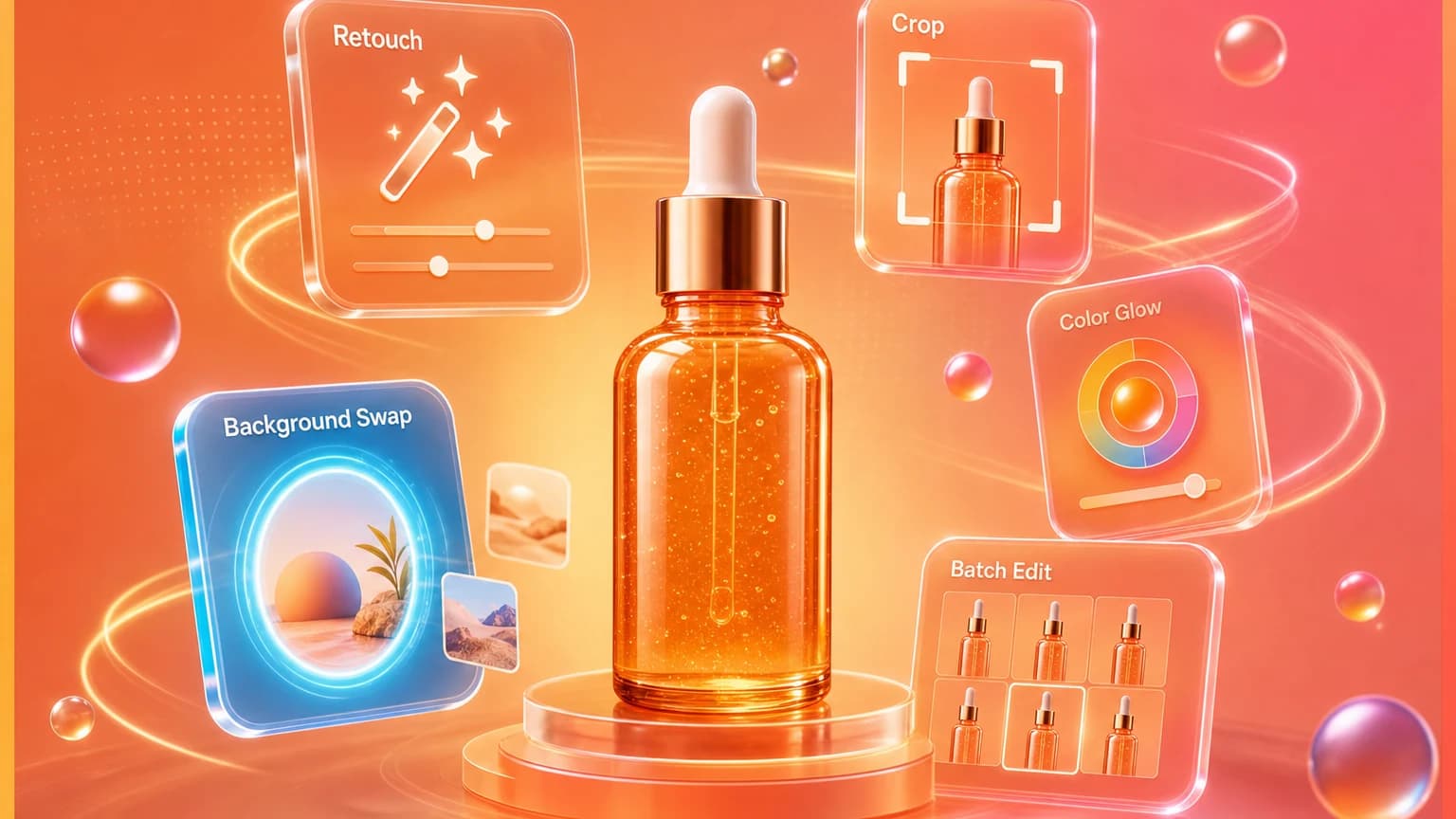
Reflections are one of the fastest ways to make product photos look amateur. They hide labels, distort package shape, and create bright spots that pull attention away from the product. Glossy bottles, jars, electronics, foil packaging, jewelry, and glass products are especially vulnerable.
The strongest reflection-removal advice starts before editing: use larger light sources, change angles, and control what the product reflects. Editing helps, but it works best when the reflection is mild and local.
Quick answer for sellers
First, move the light, diffuse it, and change the camera angle. Second, use white or black cards to shape reflections. Third, use AI retouching for small glare, dust, and background reflections. Reshoot if reflection covers label text, product color, or important detail.
For product feeds and ads, use platform image rules as a review baseline. Google Merchant's image requirements are useful for clarity and avoiding misleading image treatments: Google Merchant image requirements.
Fix reflections during capture
Use larger, softer light
A small light creates a sharp bright dot. A large diffused light creates a smoother reflection that looks intentional. Use window light, a softbox, or diffusion material between the light and product.
Change the angle
Tiny changes in camera or product angle can move glare away from the label. Rotate bottles slightly, raise the camera, or shift the light sideways until the product face becomes readable.
Control reflected objects
Glossy products reflect the room. Remove clutter, wear neutral colors, and place white or black cards outside the frame to create clean reflection shapes.
Use AI retouch carefully
Use AI retouch for local reflection cleanup: remove glare from glass, soften a hotspot, clean a reflection line, or even out a background. Use a precise instruction such as: remove the glare on the bottle shoulder, keep the label text, bottle color, cap, and shape unchanged.
Do not use retouching to invent hidden label text or change finish. If the reflection hides critical information, reshoot. A clean but inaccurate product image is worse than a slightly imperfect honest one.
Review before publishing
Compare before and after images at full size. Check label text, color, edges, and material. Then zoom out to thumbnail size to make sure the remaining reflection does not dominate the product.
The best reflection edit is the one buyers never notice because the product simply looks clear.
Use Shelfgen AI retouch to remove glare, fix light, and export cleaner product images.
Compare what Amazon, Shopify, Etsy, eBay, Google Shopping, and TikTok Shop need from each image role.
See the tools for background removal, product scenes, infographics, brand presets, and batch exports.
Follow the step-by-step help article when you are ready to generate and download your first output set.