Model photoshoots help apparel buyers understand fit, drape, length, proportion, and styling. AI model photoshoots can speed up visual production, especially for colorways and simple garments, but they also create a higher trust bar. If the image changes fit or fabric behavior, it can mislead buyers.
Search results for model photoshoot and AI model topics tend to focus on speed, cost, and diverse model visuals. Those are real benefits. Apparel sellers also need a practical rule: use AI for context and variation, but keep at least one source image that proves the real garment.
Quick answer for apparel sellers
Use a traditional model shoot when fit, fabric drape, movement, size representation, or campaign trust matters. Use an AI model photoshoot for colorway previews, styled editorial images, social concepts, and early merchandising tests. Never publish AI model images without checking garment shape, seam placement, pattern alignment, length, and color against the real SKU.
For owned storefronts, remember that images appear in product media galleries, collections, banners, and sometimes video. Shopify's product media docs are a useful planning reference: Shopify product media types.
When a real model photoshoot is worth it
Fit-sensitive products
Dresses, pants, fitted tops, swimwear, compression garments, shoes, and structured bags need real fit evidence. Buyers want to understand how the item sits on a body. AI can be useful later, but the source of truth should be physically captured.
Fabric and movement
Sheer fabric, knits, stretch, pleats, leather, satin, and heavy outerwear behave differently in motion. Real photos or video can show drape and texture more honestly than a generated model scene.
Brand campaigns
If a hero campaign will carry paid media, PR, wholesale, or retail placement, a real shoot gives creative control and legal clarity. AI can support variants, but the campaign anchor should be dependable.
When AI model photoshoots help
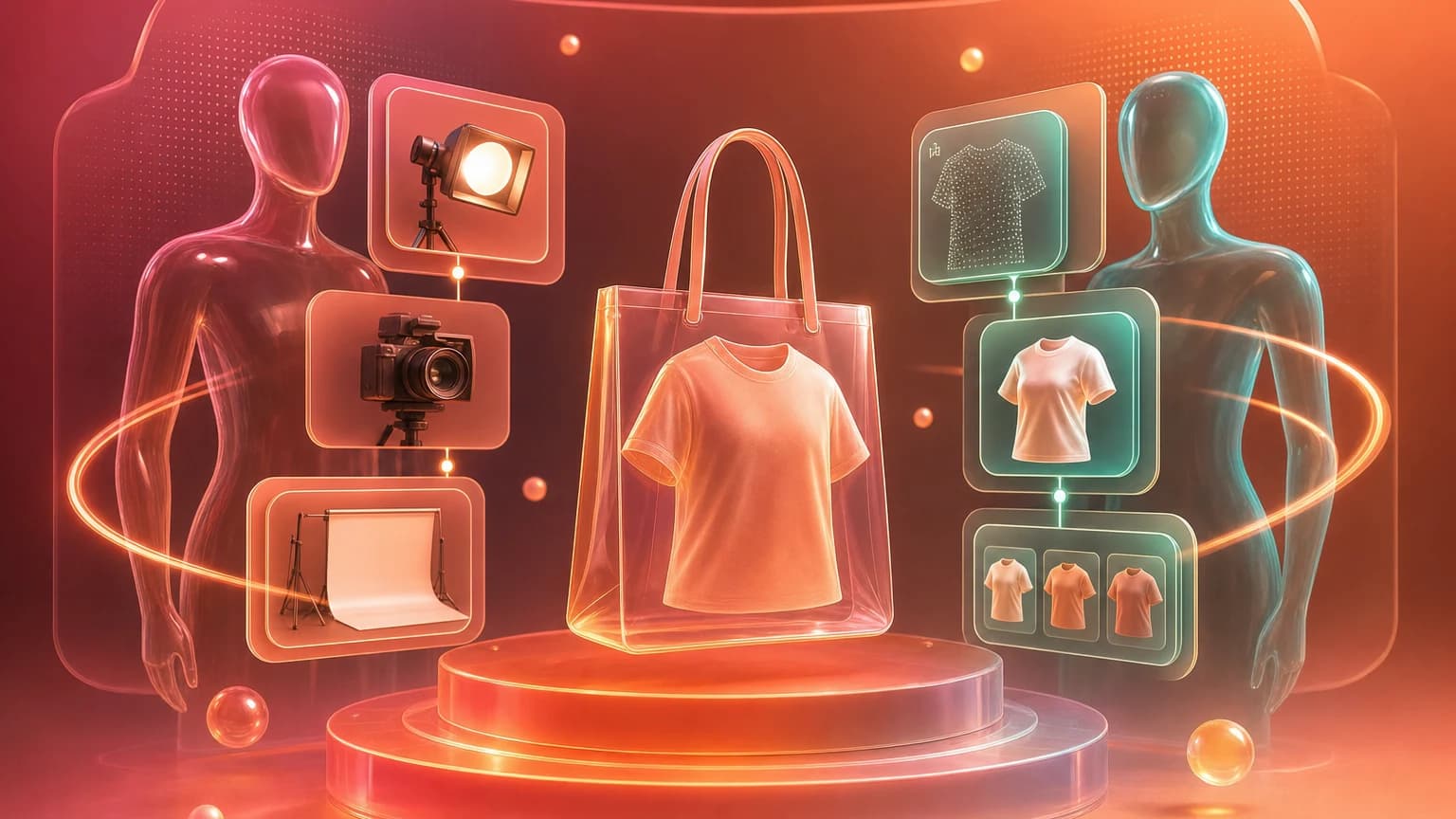
AI model images can help with early concept testing, background variations, merchandising visuals, social crops, and simple apparel products where the real product photo is already strong. They are also useful when a team needs to evaluate several creative directions before paying for a shoot.
In Shelfgen, start with flat lay, ghost mannequin, or clean product images. Use AI retouch to clean the source, then generate scene variants. Save outputs in Library so reviewers can compare versions before upload.
Review checklist before publishing
Check garment length, sleeve shape, neckline, hem, pattern alignment, fabric texture, color, hardware, pockets, seams, and scale. If the product has variants, check that the image shows the correct variant. If a model pose hides the product, use it as social creative, not as a product-page proof image.
For trust, keep a real product image, size chart, and detail photos in the listing. AI model imagery can add context, but it should not become the only evidence of what the buyer receives.
For apparel, the image sells style, but fit accuracy protects trust.
Use Shelfgen to clean product images, test backgrounds, and export model-safe ecommerce crops.
Compare what Amazon, Shopify, Etsy, eBay, Google Shopping, and TikTok Shop need from each image role.
See the tools for background removal, product scenes, infographics, brand presets, and batch exports.
Follow the step-by-step help article when you are ready to generate and download your first output set.