Jewelry photography is difficult because small products reveal every lighting mistake. A ring can look dull if the light is too flat, cheap if the reflections are harsh, and misleading if scale is missing. The goal is not only to make the piece sparkle; it is to help the buyer understand finish, color, size, clasp, stone setting, and what arrives in the package.
Top-ranking jewelry photography guides usually cover lighting, tripod stability, macro details, background choice, and retouching. The missing piece for sellers is a repeatable listing workflow. This guide turns one clean source photo into a full image set for Etsy, Shopify, Amazon secondary images, email, and social. You can build the same workflow in Shelfgen Workspace and keep approved assets in Library.
Quick answer for jewelry sellers
Use soft side light, a stable phone or camera, a matte neutral surface, and one small reflector. Capture a clean hero image, a worn scale image, a close-up detail, a clasp or back view, packaging, and one lifestyle scene. Edit dust, background clutter, and crop, but do not change stone color, metal tone, chain thickness, or handmade variation.
For Etsy sellers, pair the polished image with evidence of craft. Etsy's image guidance emphasizes clear listing images that help buyers understand the item: Etsy image requirements and best practices.
Build a small jewelry lighting setup
Use a large soft source
Jewelry needs controlled reflections. Place the item near a window or use a diffused light from one side, then add a white card opposite the light to lift shadows. Avoid direct overhead light because it creates hard hotspots on polished metal and stones.
Stabilize the camera
Small products magnify motion blur. Use a tripod or rest the phone on a fixed support. Lock focus on the front edge or main stone. Shoot at the highest resolution available so you can crop details without losing texture.
Control reflections with simple materials
A white foam board, black card, tracing paper, and matte surface are enough for most seller shoots. The white card fills dark metal. The black card creates shape on silver. Tracing paper softens reflections. A matte surface keeps attention on the jewelry rather than the table.
Create the full jewelry image set
Hero image
The hero should explain what the item is at thumbnail size. Use a clean crop, enough product fill, and a background that does not compete with the metal or gemstone. For marketplaces that require a simple main image, create a white-background version with Remove background.
Scale image
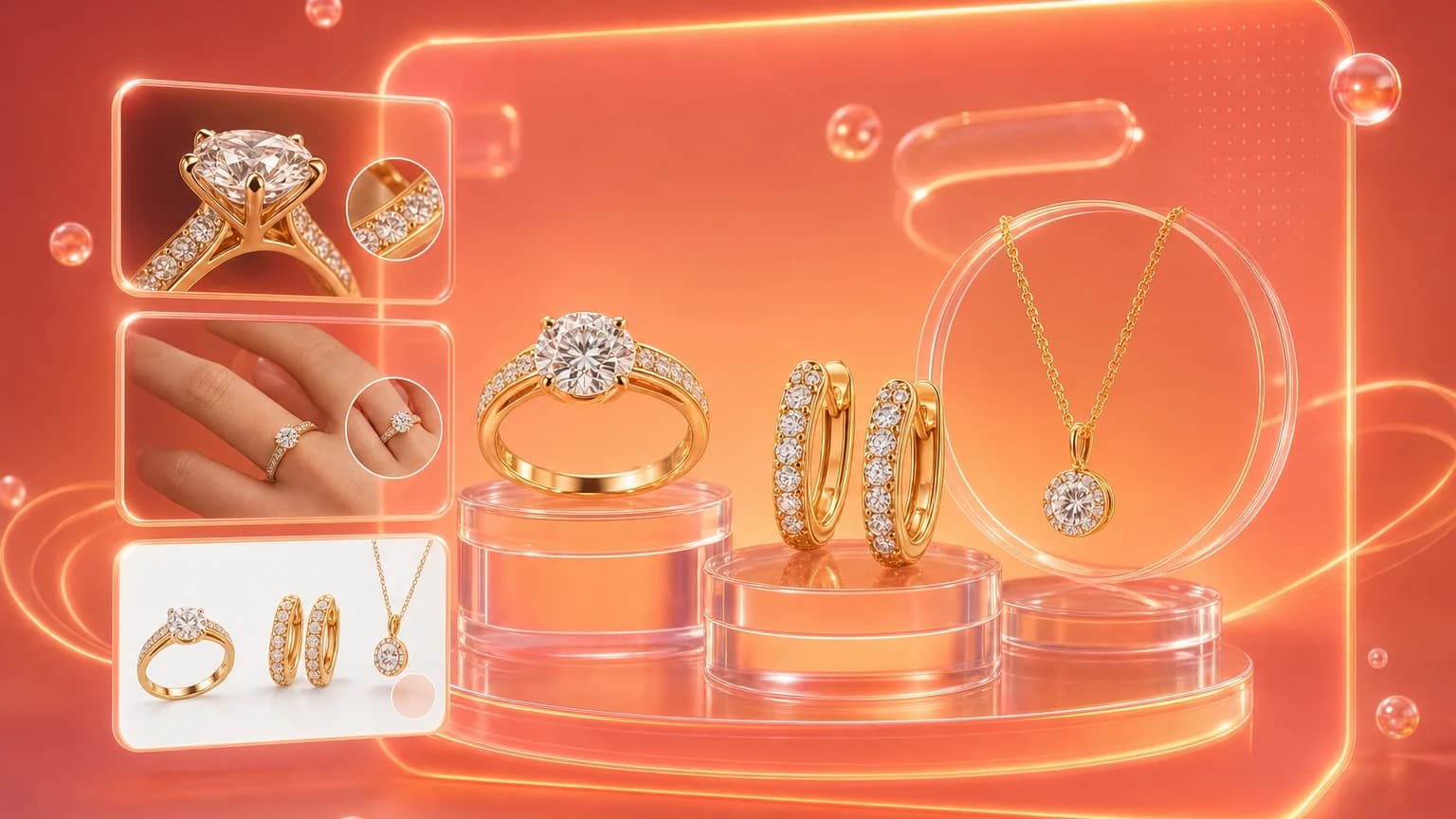
A ring on a hand, earrings near an ear, or a necklace on a bust helps buyers understand scale. If you cannot use a model, include a ruler, jewelry stand, or packaging insert. Scale images reduce returns caused by size surprises.
Detail and trust images
Shoot the clasp, stone setting, underside, engraving, texture, and packaging. For handmade pieces, include one image that shows the real surface rather than a perfectly smoothed render. Buyers of jewelry often inspect imperfections as proof that the piece is real.
Use AI editing without changing the item
AI is useful for cleaning dust, removing a distracting background, improving light, extending canvas, and making platform crops. It should not recolor metal, sharpen stones into a different grade, or make a handmade piece more symmetrical than it is. In Shelfgen, use AI retouch for local cleanup and Resize and expand for Etsy banners, Shopify collection crops, and social posts.
A safe prompt looks like this: remove dust and background clutter, keep the ring shape, stone color, metal tone, engraving, and scale unchanged. That instruction gives the model permission to improve presentation without rewriting the product.
Good jewelry photography sells sparkle, but great jewelry photography sells confidence.
Upload a jewelry photo, clean the background, retouch details, and export marketplace-ready crops in Shelfgen.
Compare image roles across Etsy, eBay, Google Shopping, TikTok Shop, Amazon, and Shopify.
Plan listing thumbnails, gallery crops, and detail shots that help buyers inspect handmade products.
Use the help guide for practical export notes before publishing marketplace assets.