An Etsy shop banner is often the first visual signal that your store is intentional. It should match your product photos, explain your brand mood, and stay readable across desktop and mobile. It should not try to sell every SKU at once.
Banner-size search results often give dimensions but stop there. Sellers need a fuller answer: how to design a banner that works with product thumbnails, listing photos, shop icon, seasonal updates, and mobile-safe cropping.
Quick answer for Etsy sellers
Use a wide banner with important content centered, minimal text, strong product mood, and plenty of safe margin. Keep the banner visually connected to your listing photos. If the shop sells handmade goods, use texture, packaging, workspace, or material cues rather than a generic abstract background.
Use Etsy's own help center as your baseline for shop image and listing image expectations: Etsy image requirements and best practices.
Banner design rules
Keep the center important
Different devices can crop wide images. Keep the product, logo lockup, or main visual idea near the center. Avoid putting critical text at the far edges.
Use fewer products
A banner with one to three products usually looks stronger than a collage of every category. Use the banner to set the shop mood, then let listings show the full catalog.
Match your listing style
If your listings are warm, handmade, and natural, do not use a cold tech-style banner. If your shop is minimal and premium, avoid cluttered props. Consistency is the trust signal.
What images to use
Use a product scene, packaging flat lay, maker workspace, material detail, or seasonal collection image. If the product is personalized, show the personalization area. If the shop is gift-focused, show packaging.
Create banners from product photos
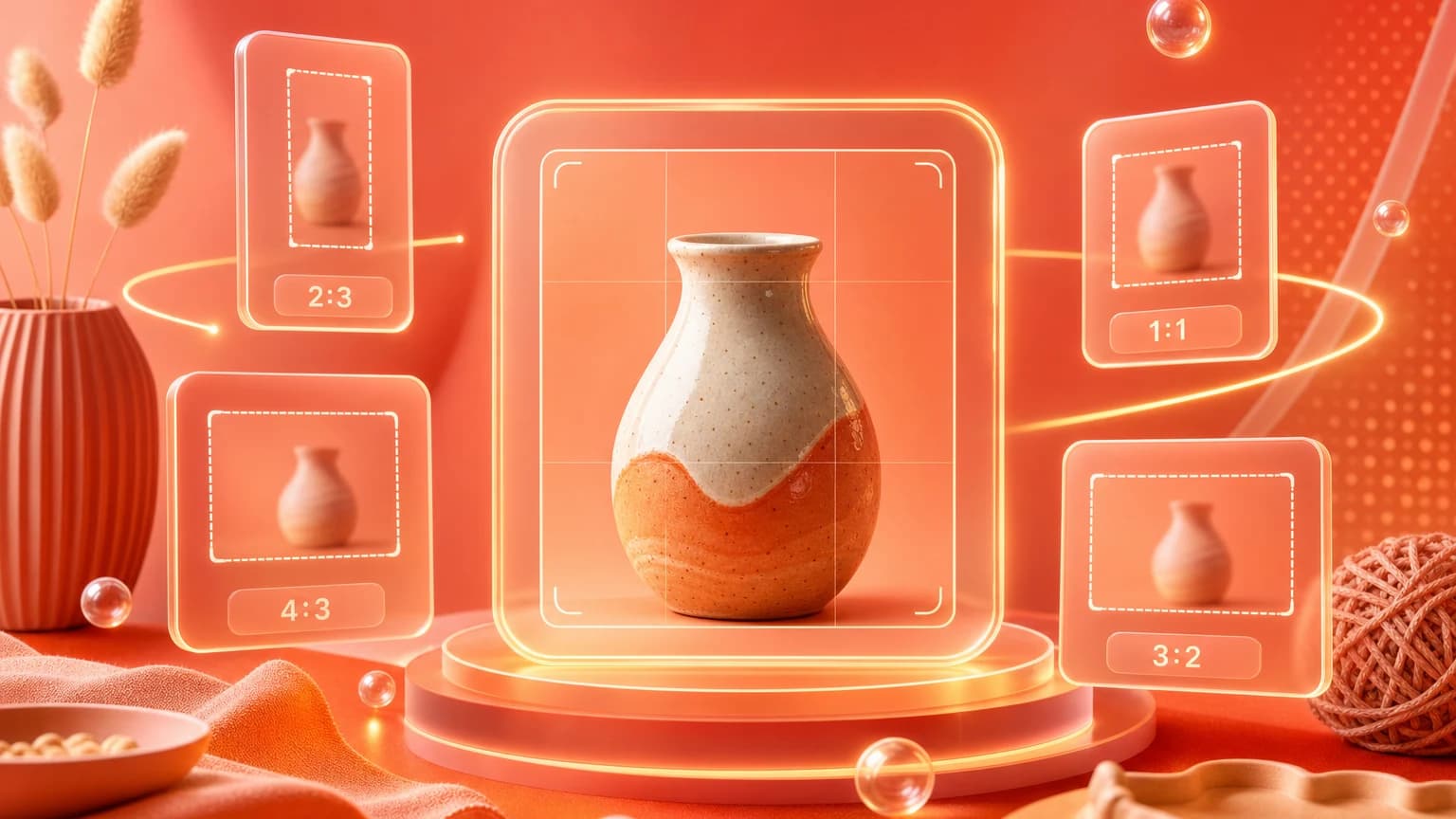
Use Resize and expand to turn an approved product scene into a wide banner crop. Use Add text overlay only if the text stays short and readable. Save reusable banner styles in Brand Kit.
For seasonal shops, create a banner set: everyday, holiday, sale, new collection, and gift guide. Store them in Library so you can update the shop quickly.
A good Etsy banner makes the shop feel real before the buyer clicks a single listing.
Use Shelfgen to resize, expand, and style shop banners from your approved product images.
See how Shelfgen builds PDP, collection, banner, email, and social crops from one product photo.
Use the companion guide for square PDP images, portrait collection cards, and wide store banners.
Follow the help doc when you are ready to export and place images inside Shopify admin.