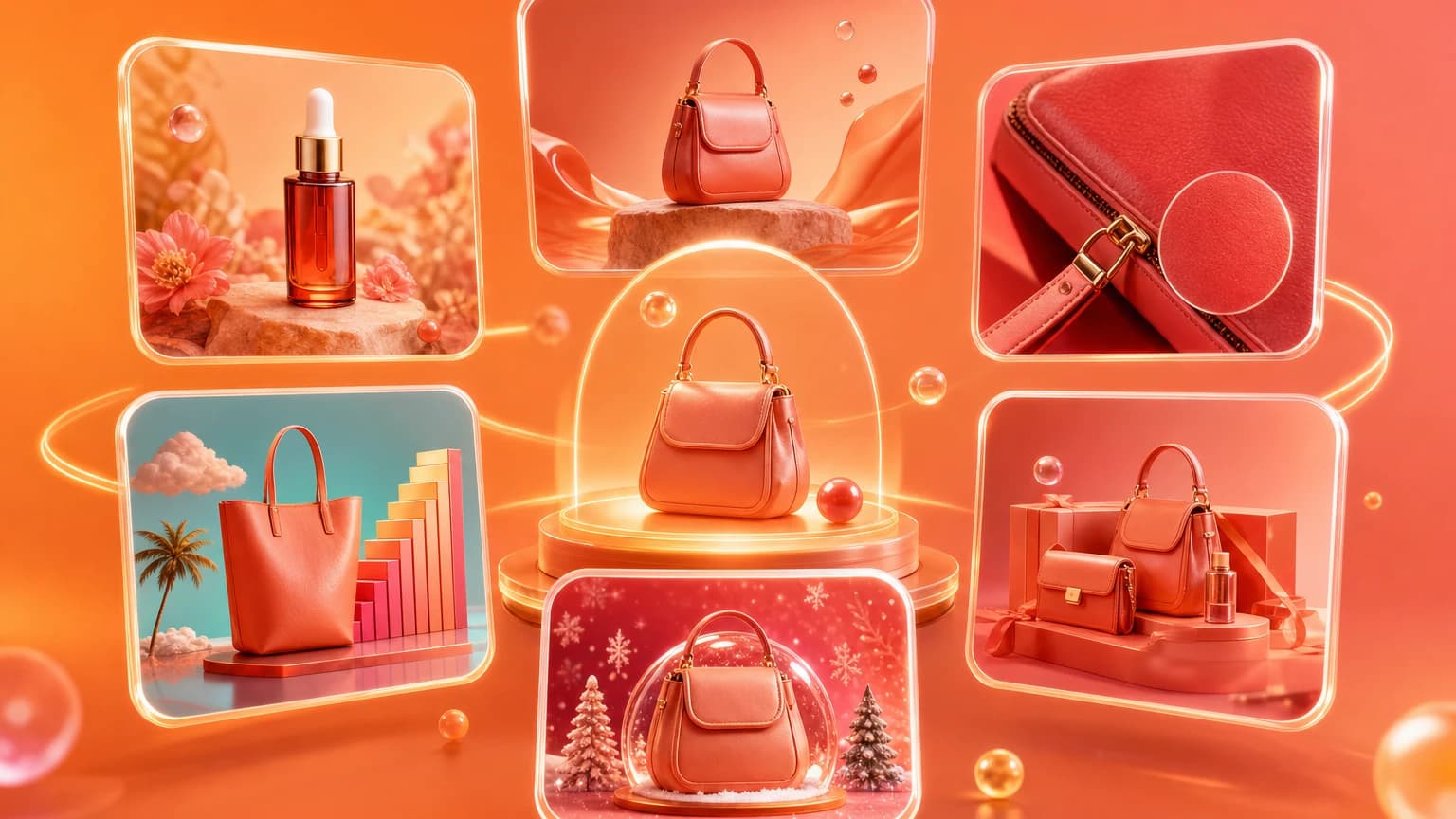
Product photography ideas are only useful when they match what the buyer needs to know. A clever background cannot replace a missing size image. A beautiful lifestyle scene cannot fix an unclear main image. The best ideas start with the category's purchase anxiety.
Search results for product photography ideas often show inspiration lists. This guide turns inspiration into a seller checklist: what image roles to create by category, how to adapt them for Amazon, Shopify, and Etsy, and where AI can speed up the workflow.
Quick answer for sellers
For every product, create one clean hero, one lifestyle context, one detail close-up, one scale or dimension image, one trust image, and one platform crop. Then adapt the idea by category: texture for beauty, scale for home, fit for apparel, ports for electronics, craft proof for handmade, and packaging for giftable items.
Use official platform guidance as a boundary. For shopping surfaces, Google's product image requirements are a helpful reminder to keep images clear and avoid misleading overlays: Google Merchant image requirements.
Product photography ideas by category
Beauty and skincare
Show the bottle or jar clearly, a texture or swatch, a bathroom or vanity lifestyle scene, packaging scale, and a close-up of applicator or formula. Avoid implying results that are not stated in the product copy.
Jewelry
Show a clean hero, worn scale shot, clasp or underside, stone detail, packaging, and one warm lifestyle image. Keep metal and gemstone color accurate.
Home and furniture
Show room scale, material close-up, angle variations, dimensions, and styling context. Buyers need to know whether the item fits their room and how it looks beside common objects.
Apparel and accessories
Show front, back, detail, fit, fabric texture, and styling use. If you use AI model or mannequin workflows, keep proportions, color, and pattern faithful.
Electronics and tools
Show ports, controls, included parts, packaging, scale, and use case. Buyers look for compatibility and what arrives in the box.
Adapt ideas for Amazon, Shopify, and Etsy
Amazon usually needs a stricter main image and persuasive secondary gallery. Shopify needs PDP images, collection crops, homepage banners, and social crops. Etsy needs clarity plus handmade trust: material, scale, process, packaging, and personalization details.
One idea can become several outputs. A kitchen lifestyle scene can be a Shopify banner, Amazon secondary image, and Pinterest crop if the product sits in a flexible composition with enough negative space.
Turn ideas into a repeatable workflow
Start in Workspace with a source product photo. Create the clean baseline first, then generate lifestyle scenes, then use Add text overlay for callouts where allowed, and finish by selecting approved files in Library for batch download.
If you manage many SKUs, keep a category brief. The brief should list image roles, allowed backgrounds, banned props, crop ratios, and review rules. That turns product photography ideas into production standards.
The best product photography idea is the one that answers the next buyer question.
Use Shelfgen to turn one source photo into clean, lifestyle, detail, and platform-ready image sets.
See how Shelfgen builds PDP, collection, banner, email, and social crops from one product photo.
Use the companion guide for square PDP images, portrait collection cards, and wide store banners.
Follow the help doc when you are ready to export and place images inside Shopify admin.