Amazon's image policy reads like a wall of bullet points. In practice, the auto-rejection bot checks a much smaller set of measurable rules. The rest are subjective — and only matter if a human reviewer escalates. Here is the version of the policy that matches the bot.
The four hard rules
1. Pure white background (RGB 255,255,255)
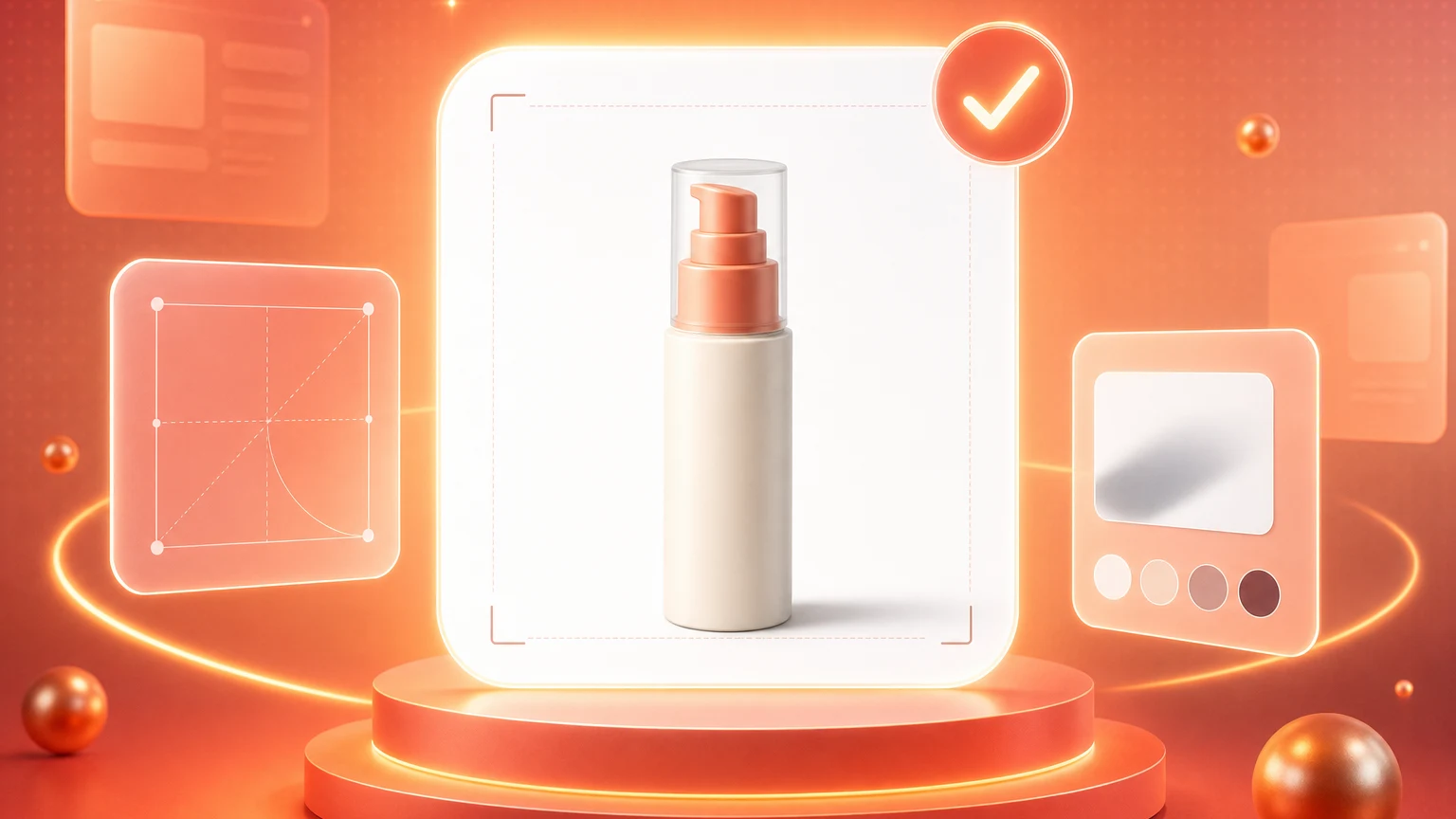
Not off-white. Not light gray. The bot samples background pixels in a margin around the product. Anything below ~252 on every channel risks rejection.
2. Minimum 1,000 px on the longest edge
Below this and zoom-and-rotate is disabled. The bot also flags listings without it. Aim for 2,000 px and you cover every category.
3. Product fills at least 85% of the frame
Measured by bounding box. Under 85% and the bot rejects for “product too small.” Over ~92% and you risk edge cropping at small thumbnail sizes.
4. No additional text, logos, or watermarks
Any rendered text outside the product's own packaging triggers automatic rejection. This includes badges like “BESTSELLER” or shipping callouts.
The seven soft rules
Beyond the four hard rules, seven softer guidelines may or may not be enforced. We've seen rejection rates between 8% and 41% on each: shadows touching the frame edge, product orientation, props or accessories not included in the sale, multiple instances of the same product, color casts from non-neutral lighting, low-contrast labels, and visible reflections of the photographer.
What the bot actually checks
Build to the four hard rules and you will clear the bot every time. Audit against the seven soft rules and you'll dodge the rare human reviewer escalation that costs a week of listing downtime. Most sellers fail on rule 3 (product too small) or rule 1 (off-white background) — both of which are easy to detect before you upload.
Failing the white-background rule is not an aesthetic problem. It is a listing-downtime problem.
Shelfgen checks all four hard rules before export. 5 free AI credits, no card.
See the full Amazon image pack: main image, secondary slots, A+ hero, dimensions, and compliance checks.
Review the rule-by-rule checklist before submitting main and secondary images.
Use this help article when a main image needs a fast compliance repair.