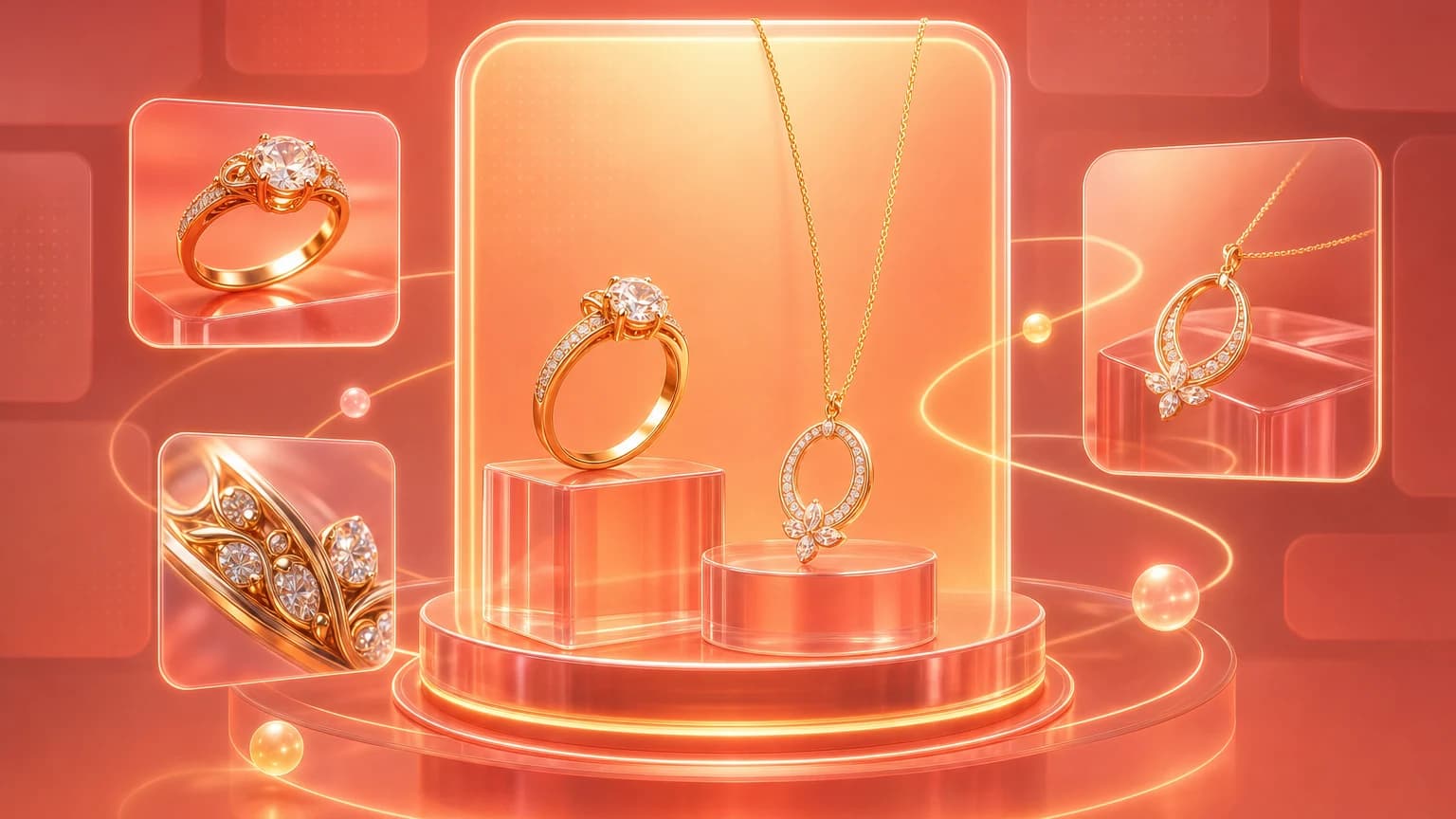
An AI jewelry image generator can help sellers create polished product photos, styled scenes, model-wearing images, and campaign visuals without scheduling a full photoshoot for every piece. But jewelry is one of the hardest ecommerce categories for AI. Small details matter. Metal reflects everything. Gemstone color changes with light. Scale is easy to exaggerate. A tiny design change can turn one ring, necklace, bracelet, or earring into a different product.
For jewelry sellers, the goal is not simply to generate a beautiful image. The goal is to create jewelry photos that look premium, remain accurate, and help buyers understand what they are purchasing.
This guide explains how to use AI jewelry image tools safely for ecommerce product photos, model shots, lifestyle images, detail images, and ad creative.
Quick answer: what should an AI jewelry image generator do?
A good AI jewelry image generator should preserve the real jewelry design while improving the scene, lighting, background, crop, and presentation. It should help create clean catalog images, lifestyle images, model-wearing images, gemstone detail shots, scale references, and social ad crops.
The most important review checks are metal shape, stone color, clasp or setting details, chain length, scale on model, reflection behavior, and whether the generated image still matches the item that ships.
What AI jewelry competitors emphasize
Ranking and competitor pages in this niche usually promise studio-quality jewelry images from a simple upload. Many emphasize model shots, diverse models, background generation, jewelry presets, fast turnaround, saved generation history, and realistic placement. Some tools are built exclusively for jewelry and focus on rings, necklaces, earrings, bracelets, gemstones, metals, and reflective surfaces.
That specialization matters. Jewelry is different from ordinary product photography. A general image generator may create a beautiful scene but distort prongs, change the stone shape, thicken a band, shorten a chain, or make the metal look like plastic.
The better way to evaluate an AI jewelry tool is by product fidelity, not by demo glamour.
Why jewelry is hard for AI product photography
Jewelry has small details that buyers inspect closely.
For rings, buyers look at:
- Band width.
- Stone shape.
- Prongs.
- Setting height.
- Metal finish.
- Engraving.
- Scale on hand.
For necklaces, buyers look at:
- Chain length.
- Pendant size.
- Clasp.
- Stone placement.
- How it sits on the neckline.
- Layering compatibility.
For earrings, buyers look at:
- Pair symmetry.
- Backing type.
- Drop length.
- Hoop thickness.
- Scale on ear.
- Stone or pearl color.
For bracelets, buyers look at:
- Closure.
- Flexibility.
- Wrist scale.
- Chain or bangle thickness.
- Charm placement.
AI needs to preserve these details. If it changes them, the image may look good but sell the wrong product.
The jewelry image set ecommerce sellers need
1. Clean catalog image
This is the main image or primary product image. It should show the jewelry clearly on a simple background. Use this for product pages, collection grids, marketplaces, and catalog views.
For reflective jewelry, avoid harsh shadows and uncontrolled glare. The piece should look dimensional, not flat, but the design should remain easy to inspect.
2. Detail or macro image
Detail images are essential for jewelry. They show gemstone cut, prongs, chain links, clasp, engraving, texture, finish, or craftsmanship.
AI can help create cleaner backgrounds or improve lighting around a detail crop, but be careful with macro generation. This is where AI may invent details or smooth away important construction.
3. Model-wearing image
Model shots help buyers understand scale and styling. A necklace on a model shows length. Earrings on an ear show drop and hoop size. Rings on a hand show band width and stone size.
The risk is scale distortion. A small pendant can become a statement necklace. A delicate ring can become oversized. A tiny stud can become a large earring.
Use model shots for context, then include clean product and detail images for verification.
4. Lifestyle image
Lifestyle jewelry images show mood: gift box, vanity, silk fabric, marble tray, evening outfit, wedding detail, travel case, or minimal studio surface. These images are useful for Shopify product pages, Etsy listings, email, and ads.
The lifestyle scene should support the piece's price point and style. A minimalist silver necklace does not need a crowded luxury scene. A handmade gemstone bracelet may look better with natural texture and soft light.
5. Scale or measurement image
Jewelry buyers often need size confirmation. Add measurements in copy or a dedicated graphic when possible. A model image helps, but it may not be enough if the piece is small or size-sensitive.
Scale matters for rings, hoops, studs, pendants, bangles, charms, and layered necklaces.
6. Packaging or gift image
If your packaging is part of the value, show it. Gift boxes, pouches, polishing cloths, certificates, care cards, and included accessories can reduce uncertainty and raise perceived value.
Do not let AI add packaging that does not ship.
Prompting AI for jewelry product photos
Jewelry prompts should be precise and restrictive.
For a clean catalog image:
Create a clean ecommerce product image of this silver ring on a warm light background, soft studio lighting, realistic reflection, crisp edge detail. Keep the ring shape, band width, stone shape, prong placement, metal finish, and scale unchanged.
For a necklace model image:
Place this pendant necklace on a real-looking model neckline, soft natural light, simple neutral top, accurate chain length and pendant size. Keep the pendant design, chain style, clasp, stone color, and scale unchanged.
For an earring image:
Create a model-wearing image for this pair of gold hoop earrings on an ear, clean studio lighting, realistic skin texture, accurate hoop diameter and thickness. Keep the earring shape, metal color, closure, and size unchanged.
For a lifestyle image:
Create a premium lifestyle image of this gemstone bracelet on folded linen beside a simple jewelry box, soft side light, natural shadows, minimal props. Keep gemstone colors, bracelet thickness, clasp, and charm placement unchanged.
The restriction list is not optional. It is the quality control layer.
How to use AI for jewelry model shots
AI model shots can be useful because physical model photography is expensive and slow. They can help sellers show jewelry on different skin tones, necklines, hands, ears, outfits, and settings.
Use AI model shots for:
- Necklace length context.
- Ring scale on hand.
- Earring size on ear.
- Bracelet fit on wrist.
- Styling inspiration.
- Ad and social creative.
Do not use model shots as the only proof of the product. Pair them with clean catalog and detail images. Buyers need both emotional context and product verification.
When reviewing model shots, check:
- Is the jewelry placed naturally?
- Does it follow body perspective?
- Is the size realistic?
- Are both earrings symmetrical?
- Does the chain sit correctly?
- Does the ring wrap around the finger convincingly?
- Are fingers, ears, necklines, and skin texture realistic?
- Did the design change?
If the model image looks good but the jewelry changed, reject it.
Metal, gemstone, and reflection checks
Jewelry realism depends on material behavior.
Gold should have warm highlights and depth, not flat yellow color. Silver should reflect surrounding light without turning gray plastic. Rose gold should stay warm without becoming copper-orange. Matte metal should not look mirror-polished. Polished metal should not look dull.
Gemstones need color accuracy. A sapphire should not become navy glass. An emerald should not become neon green. A diamond should show light and clarity without looking like a white blob.
Check reflections. Jewelry is reflective, but reflections should match the scene. Random dark marks, warped highlights, or impossible reflections make the image feel fake.
AI jewelry photo editing workflow
Use this workflow for one SKU:
- Capture a clean source image of the jewelry.
- Capture or upload detail angles if the piece is complex.
- Create a clean catalog image.
- Generate one lifestyle scene.
- Generate one model-wearing image if scale matters.
- Create a detail crop.
- Create an ad or social crop.
- Review metal, stone, scale, design, and included items.
- Save approved outputs by SKU.
For high-value fine jewelry, consider a hybrid workflow. Use real photography for the hero and macro detail images, then use AI for background variations, ad crops, and lifestyle contexts. This protects product accuracy while still saving production time.
Where Shelfgen fits
Shelfgen can help jewelry sellers create image sets from a product source photo: clean backgrounds, lifestyle scenes, product showcases, and ecommerce-ready crops. For jewelry, the review step is especially important because small changes can matter.
Use Shelfgen to create seller-ready images, but review every output against the actual piece. The better your source image, the more reliable the generated scene will be.
Jewelry image review checklist
Before publishing AI jewelry images, check:
- Design matches the real item.
- Metal color is accurate.
- Gemstone color is accurate.
- Stone shape is unchanged.
- Band width is accurate.
- Chain length is realistic.
- Clasp or closure is correct.
- Pair symmetry is correct.
- Scale on model is believable.
- Reflections match the scene.
- No extra stones or charms were added.
- Packaging shown is included.
- Image crop works on mobile.
- Product page includes enough detail images.
Jewelry buyers inspect images closely. Small inaccuracies can become big trust problems.
Common mistakes
The first mistake is using AI to create a prettier version of the jewelry instead of the real product. A thicker band, larger stone, or brighter metal may increase clicks but create buyer disappointment.
The second mistake is relying only on model shots. Model images sell style, but catalog and detail images sell trust.
The third mistake is ignoring reflections. Jewelry that floats on a surface or reflects an impossible environment looks fake.
The fourth mistake is using the same scene for every piece. A delicate pearl necklace, chunky gold hoop, and handmade gemstone bracelet should not all live in the same generic luxury background.
Final recommendation
An AI jewelry image generator is useful when it helps sellers create more complete product image sets without losing product fidelity. Use it for clean backgrounds, model context, lifestyle scenes, ad crops, and seasonal variations. Keep the real jewelry design as the source of truth.
For jewelry, realism is not optional. Buyers care about detail, scale, material, and trust. A good AI workflow should make the piece easier to understand, not more imaginary.
Create clean catalog shots, lifestyle scenes, and model context while preserving jewelry details.
Compare what Amazon, Shopify, Etsy, eBay, Google Shopping, and TikTok Shop need from each image role.
See the tools for background removal, product scenes, infographics, brand presets, and batch exports.
Follow the step-by-step help article when you are ready to generate and download your first output set.